Styles and dashboard
What a style is, which ones are free, and where things live once you sign in.
Styles
A style is a look you name instead of describe. Write cozy bookstore at sunset and add watercolor, and you get a watercolor. Add cinematic instead, and the same bookstore looks like a film still. You never have to write "soft brush strokes, paper texture" yourself.
Free accounts get five styles. Paid plans unlock the rest. Anything with a plan badge below needs that plan or better, and everything else is free.
Every preset
40 presets, live from the API. Each name is what you pass as style.
Photography
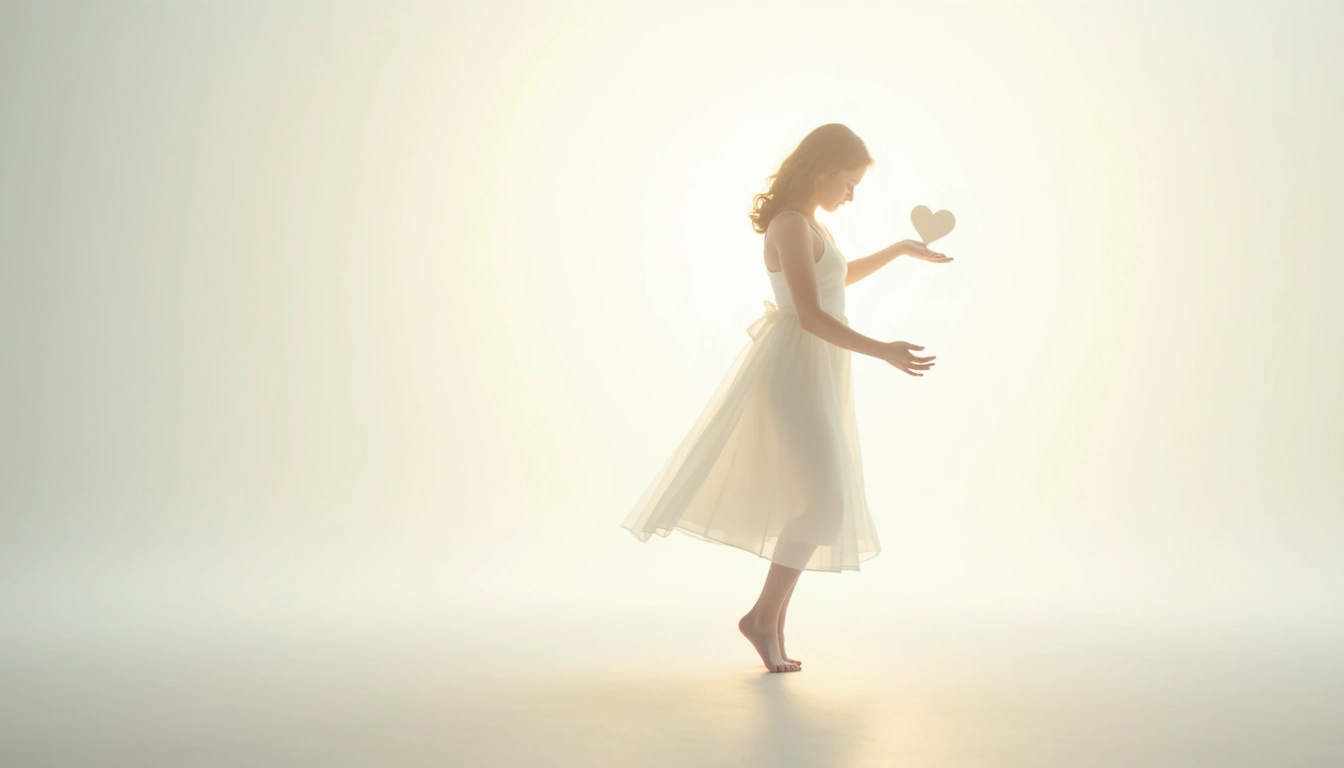 Starter
bright-airyHigh-key lifestyle photography with soft light and blown highlights
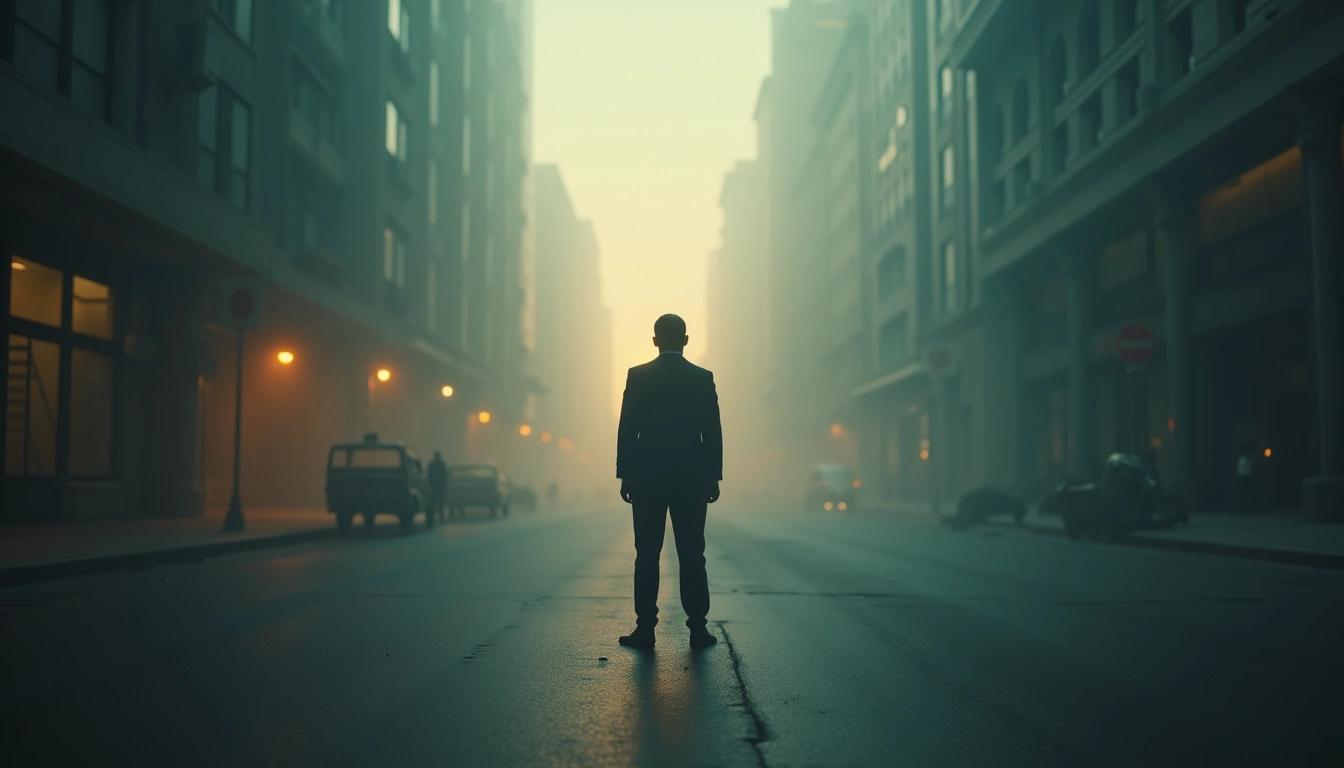
cinematicWidescreen cinematic movie still
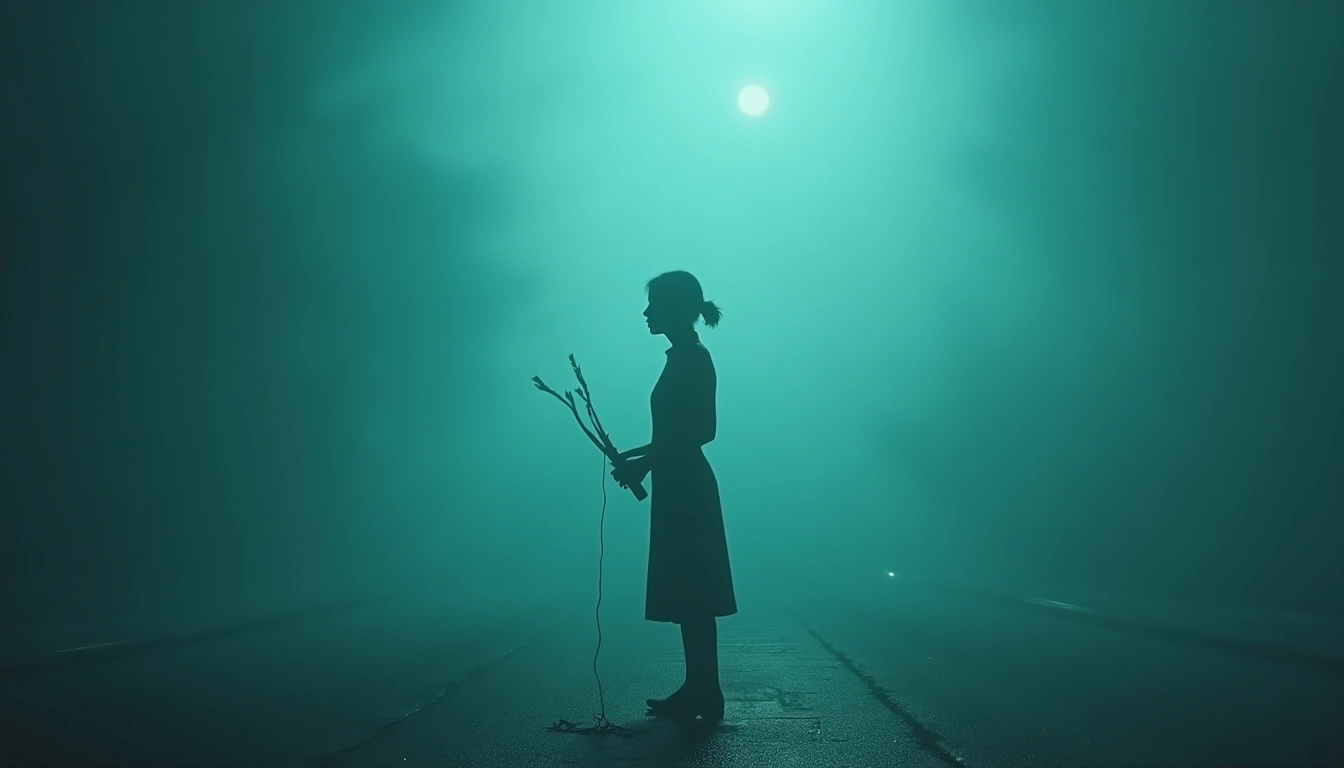 Starter
cinematic-dramaCinematic studio photography with volumetric lighting and split-tone grading
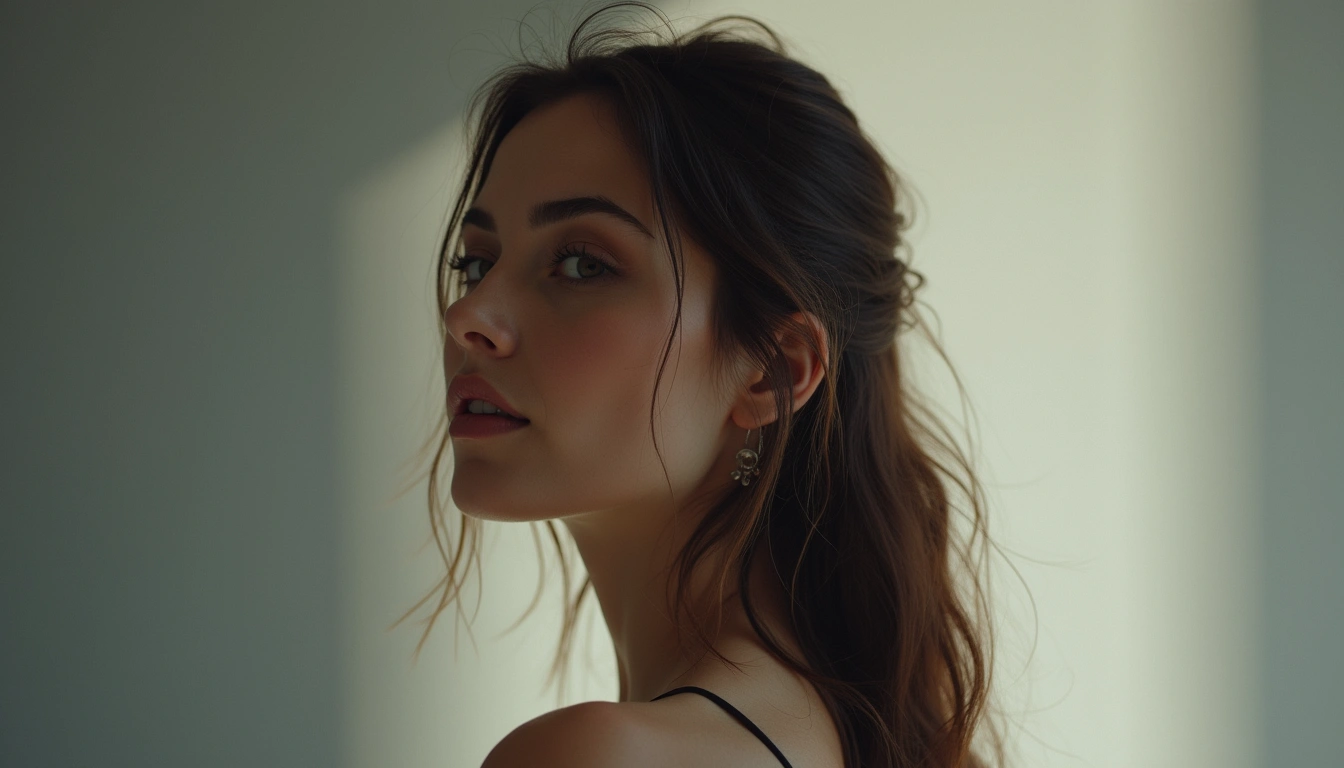 Starter
editorial-portraitMagazine-quality portrait photography with controlled studio lighting
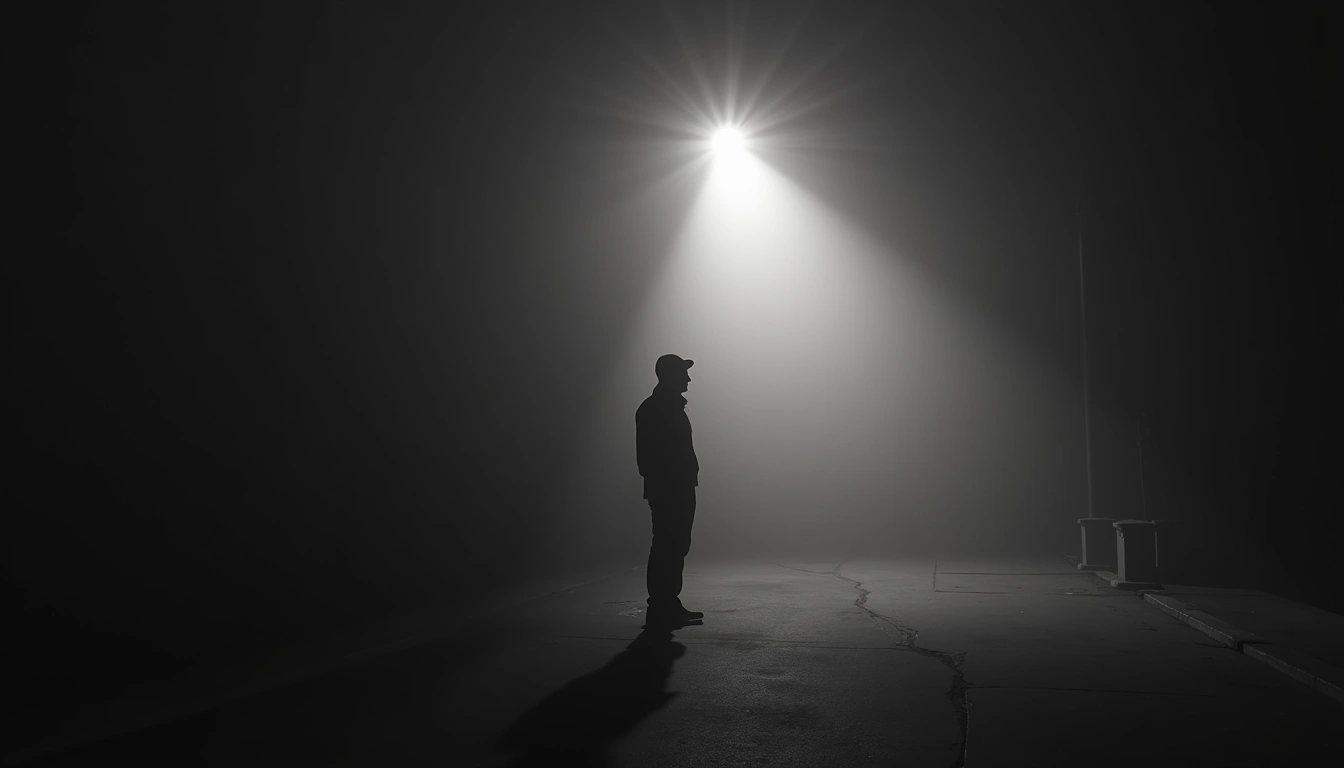 Starter
noirDark, dramatic black and white cinematography
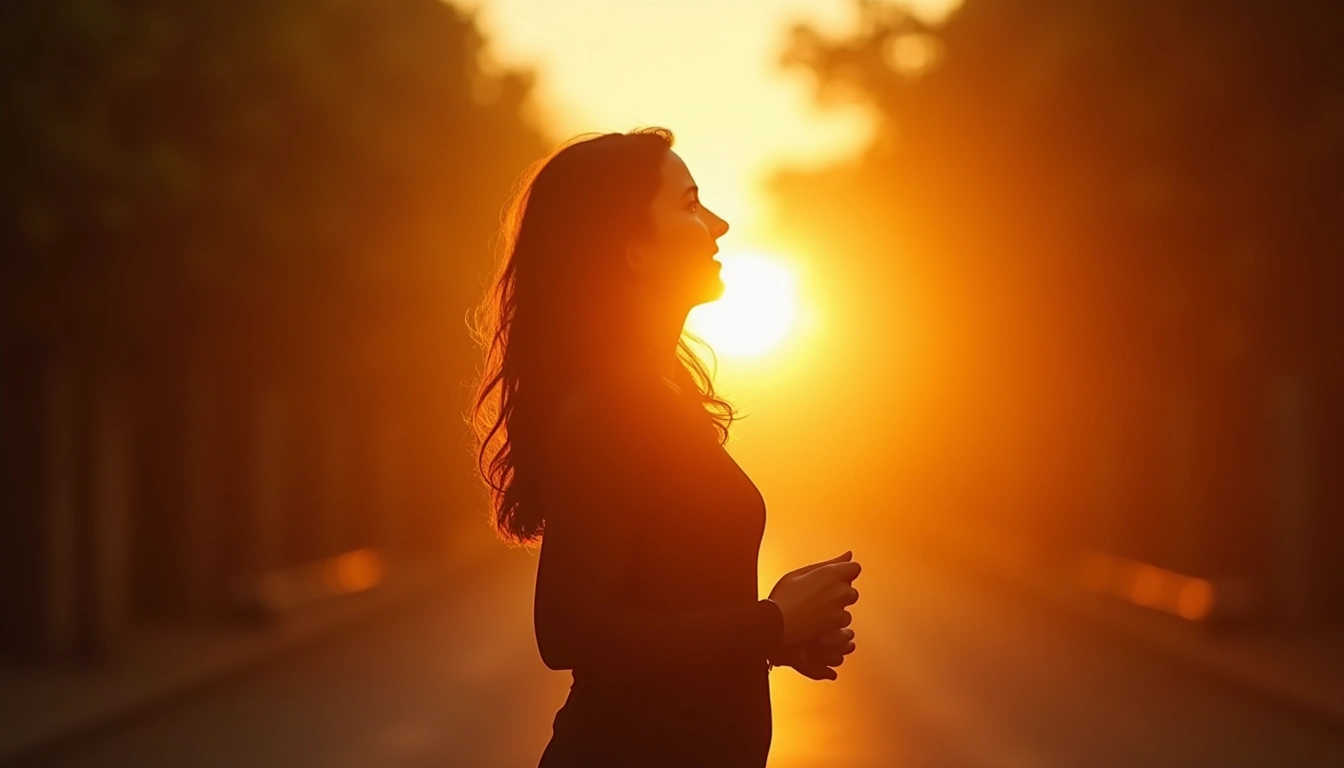 Starter
golden-hourWarm backlit photography with amber tones and magic-hour glow
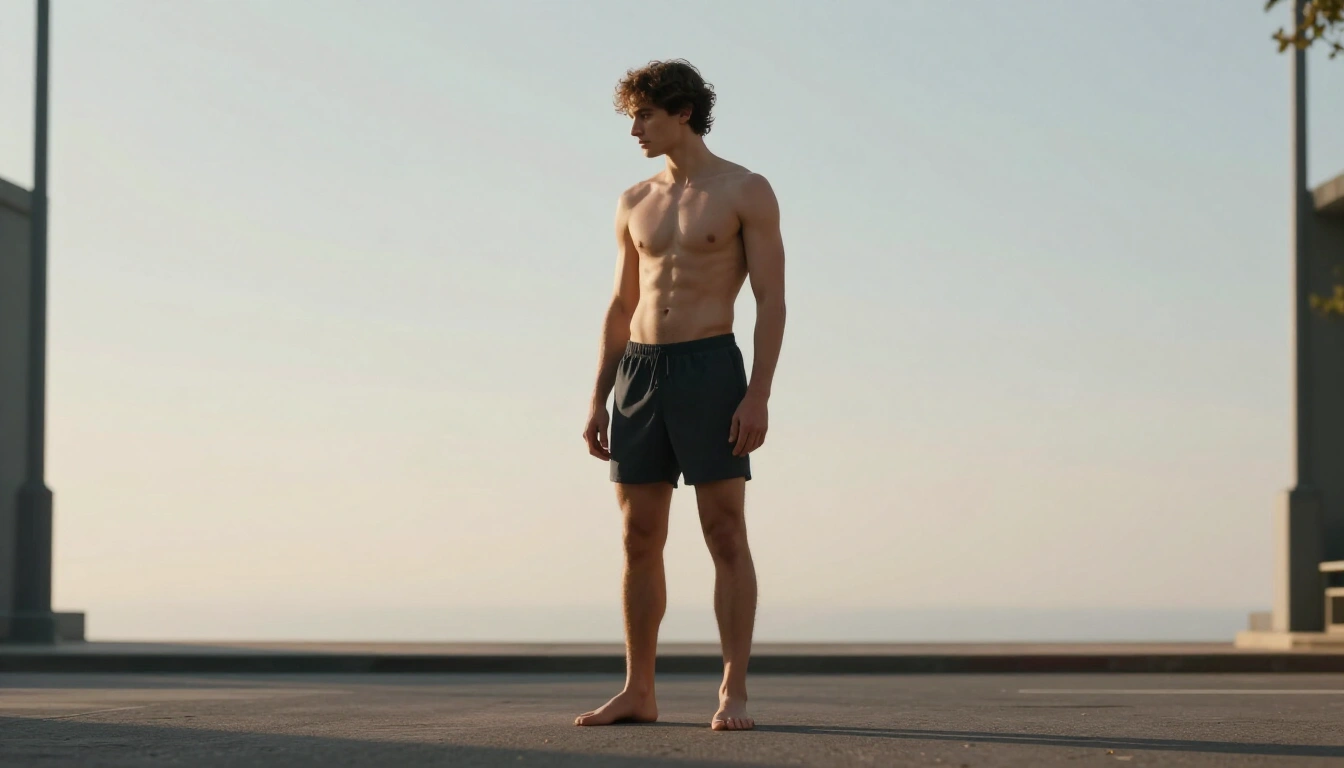
photorealisticLifelike photography with natural lighting
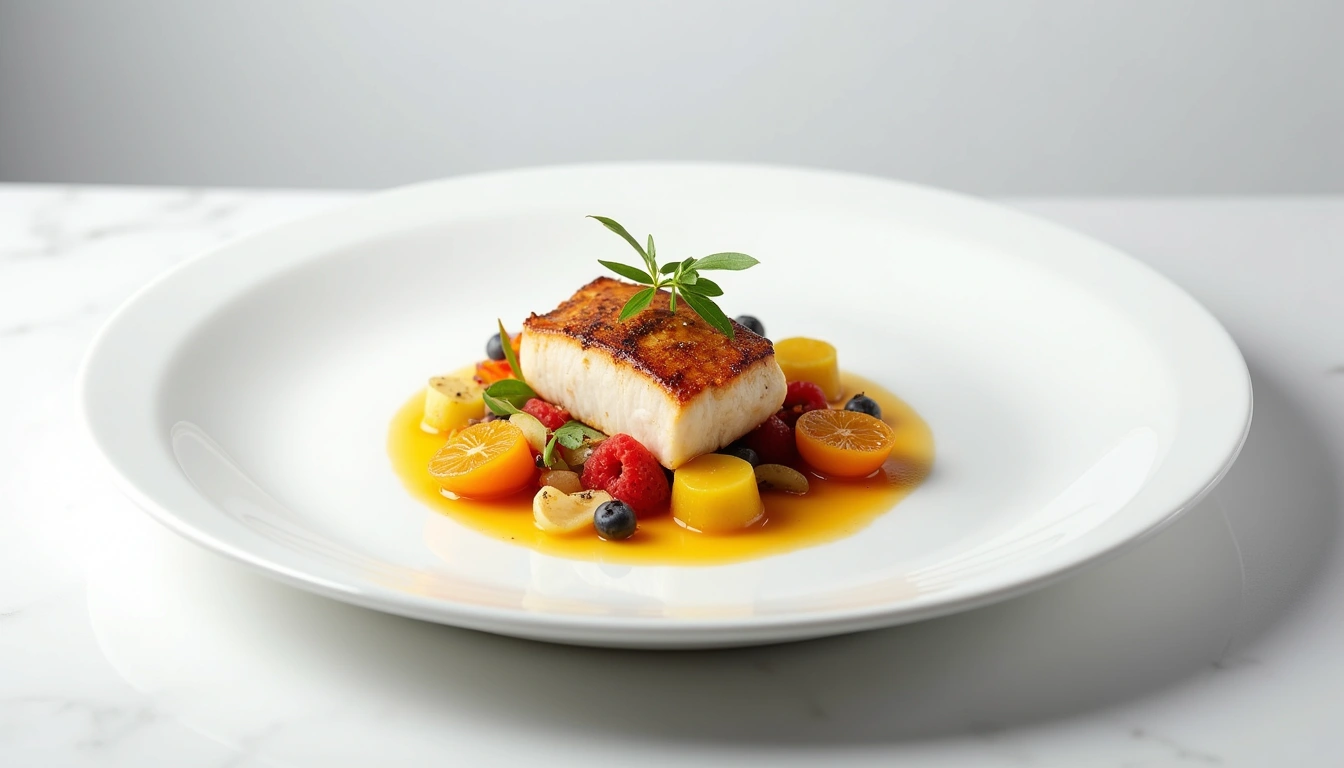 Starter
productClean studio product photography with professional lighting
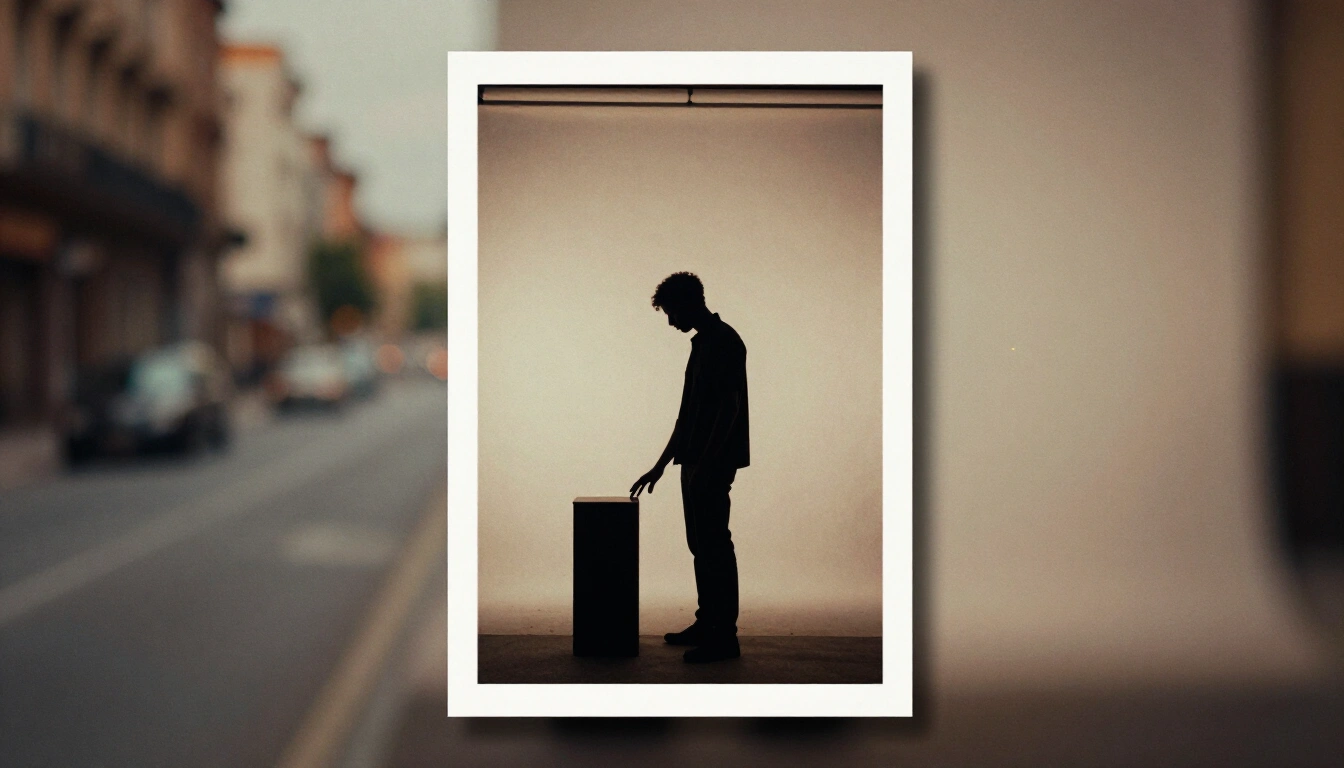 Starter
vintageWarm vintage look with film grain
Illustration
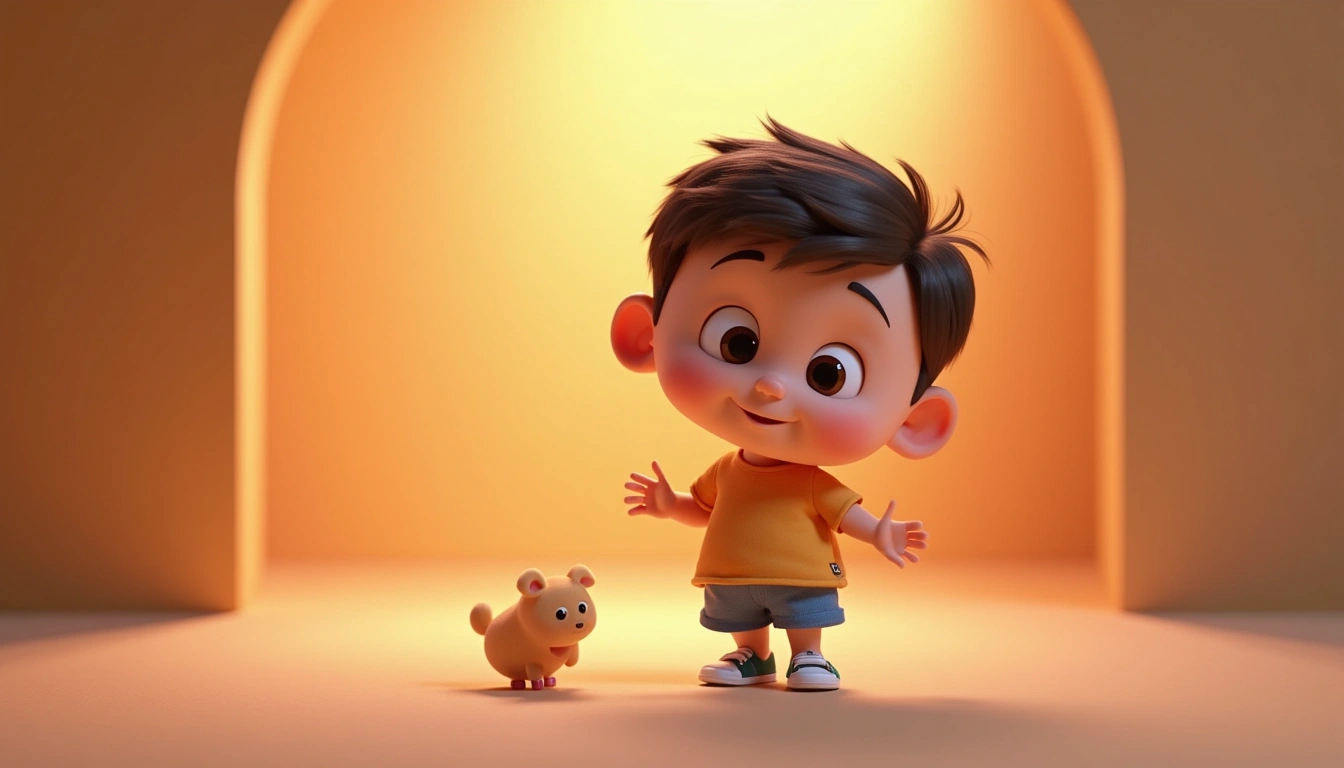 Starter
3d-renderCharming 3D animation with expressive characters and warm lighting
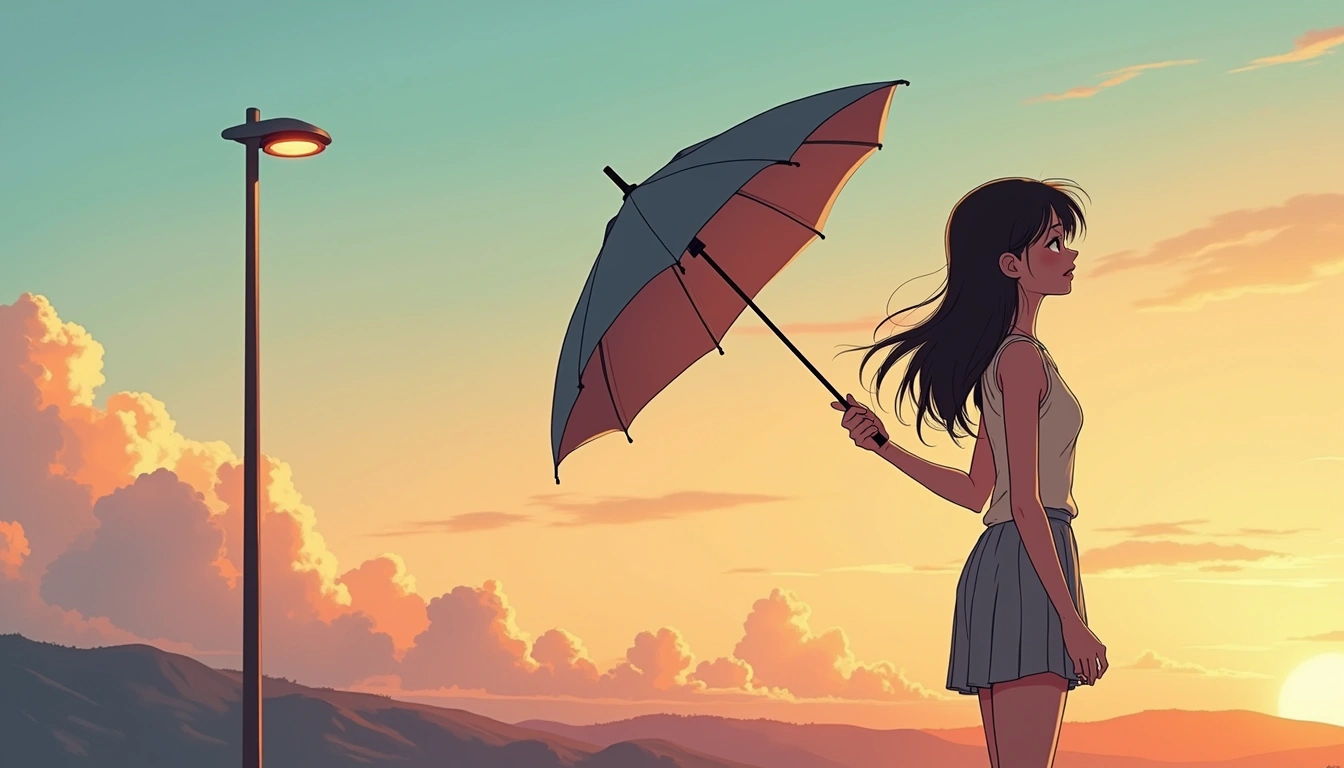 Starter
animeJapanese anime and manga art style
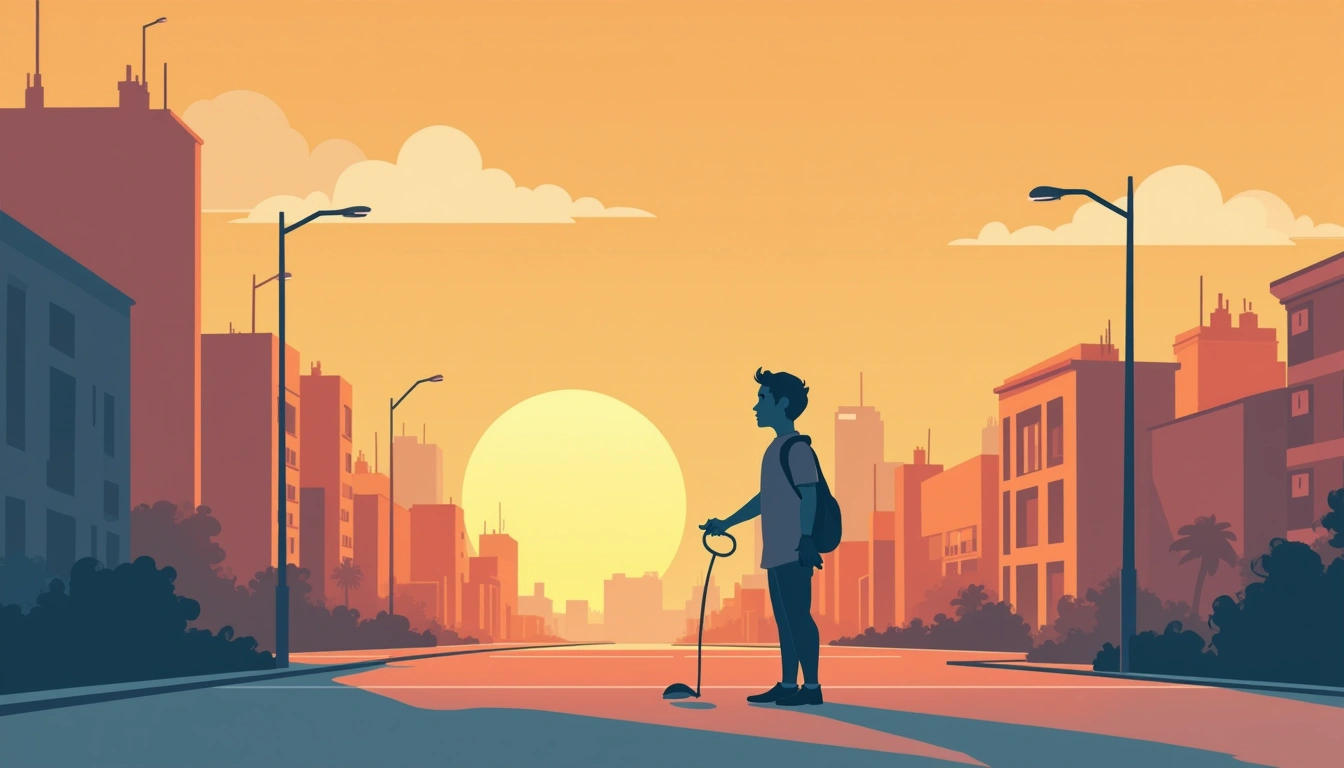
cartoonVibrant cartoon style with bold outlines
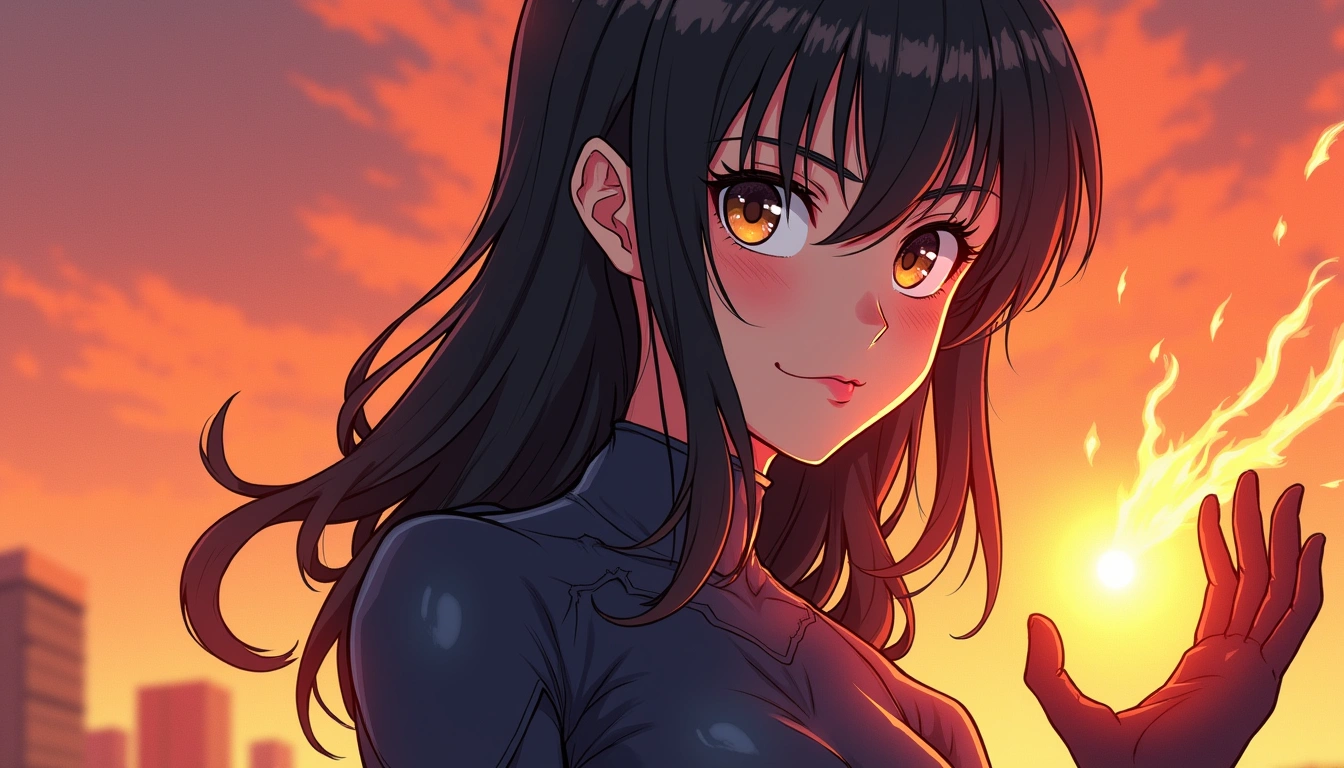 Starter
comic-teensAnime-influenced comic style with dynamic detailed characters
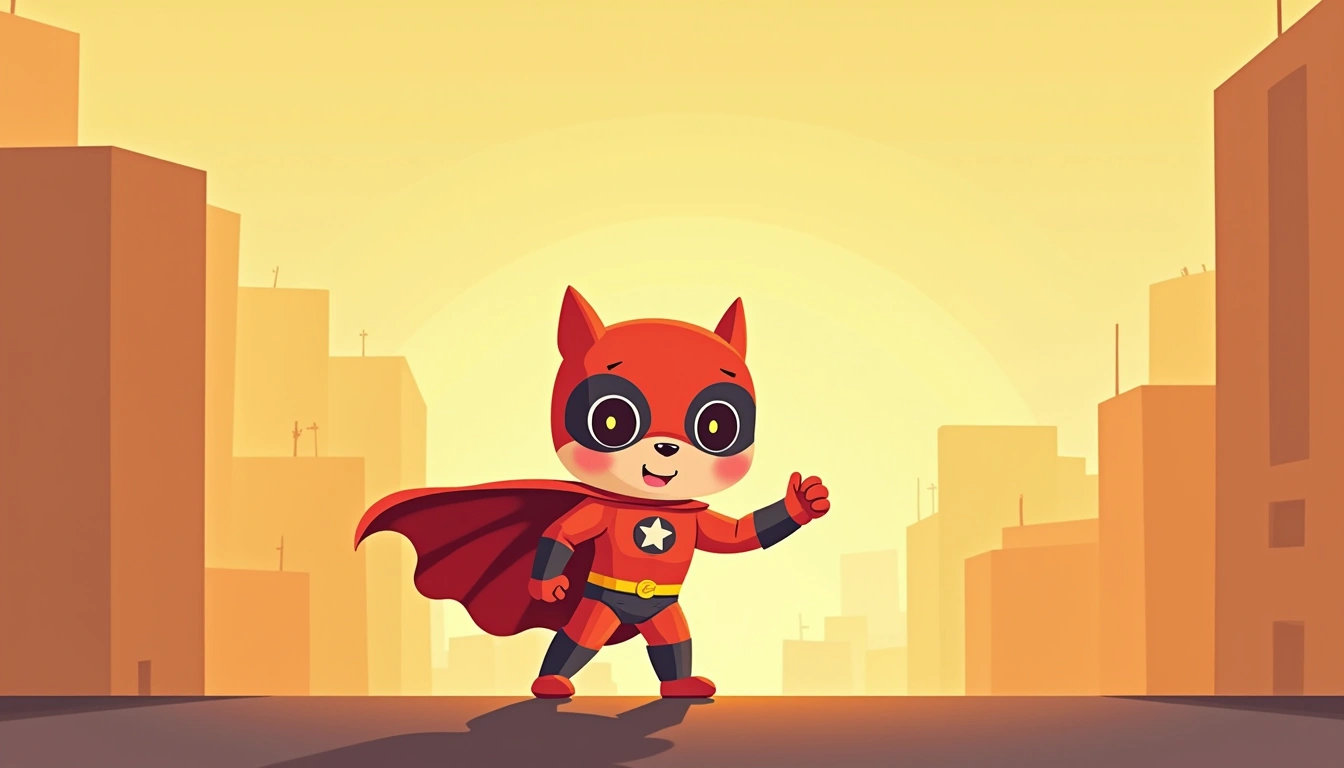 Starter
comic-kidsCute cartoon comic style with friendly rounded characters
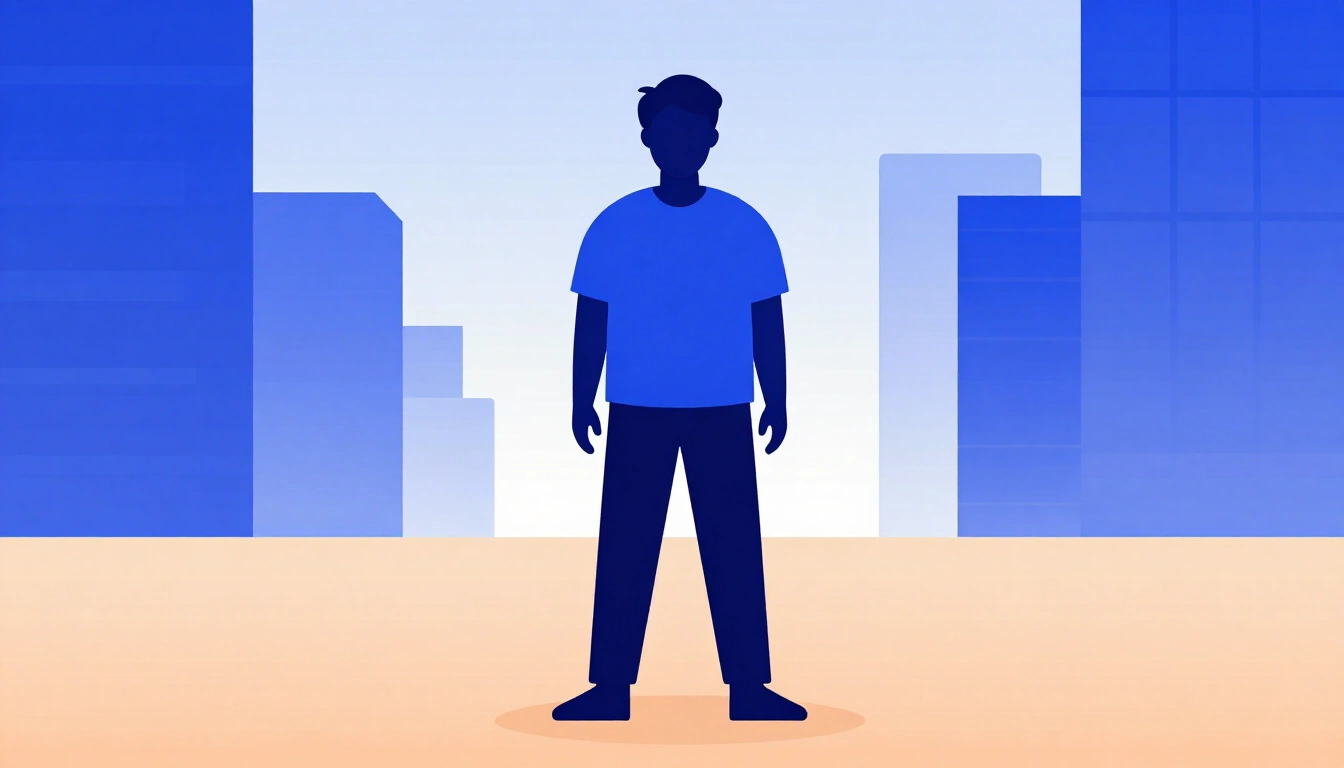 Starter
electric-cobalt-editorialContemporary flat vector illustration. Crisp geometric silhouettes and minimal facial marks. Broad unoutlined color blocks in electric cobalt, deep navy, pale lavender, and warm ochre. Translucent gradient overlays and faint linear texture. Luminous central glow against cool, high-contrast shadows.
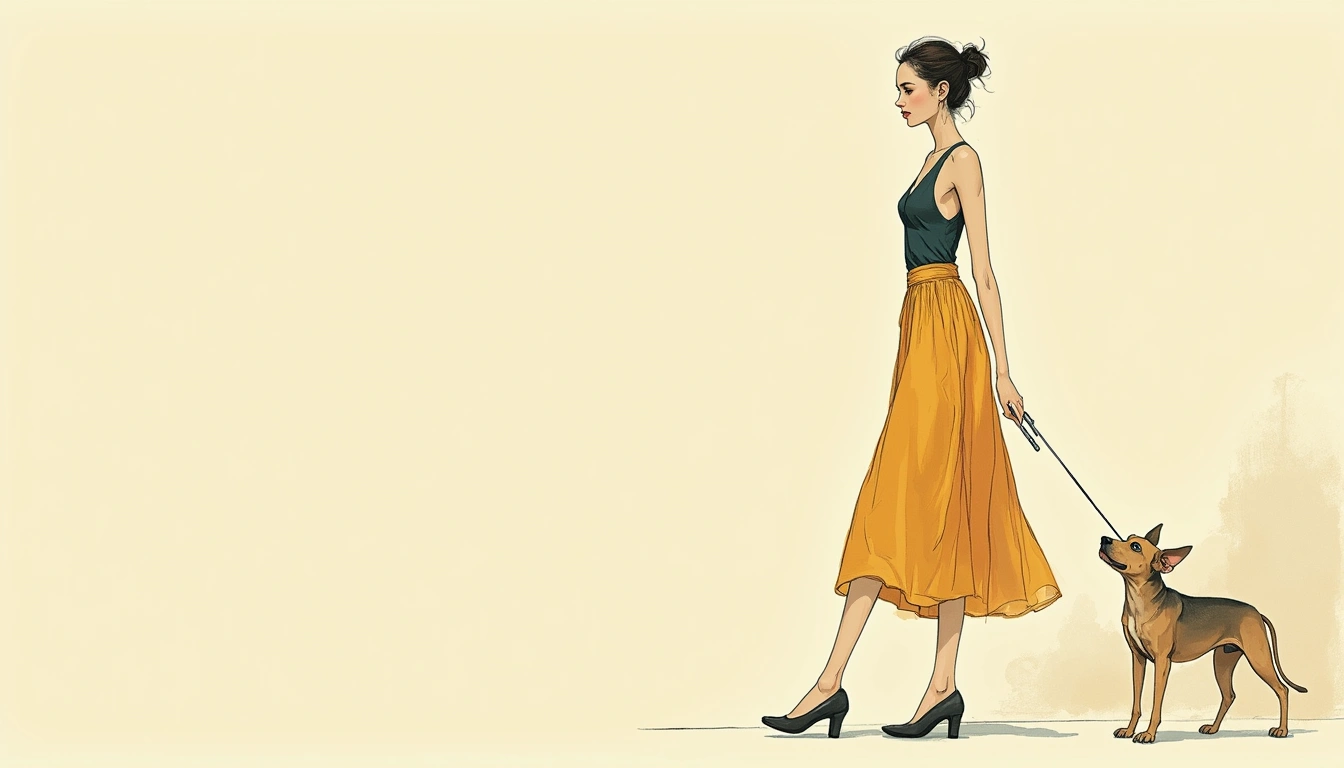 Starter
fashion-sketchInk and airbrush fashion illustration with warm beige tones
 Starter
geometric-editorialContemporary flat vector illustration. Crisp geometric silhouettes and smooth, minimal outlines. Saturated cobalt and deep navy contrasted with warm ochre. Broad translucent overlays, simple gradient fills, and sharp-edged shadows. Diffuse pale glow against cool, high-contrast color fields. Clean digital finish with minimal texture.
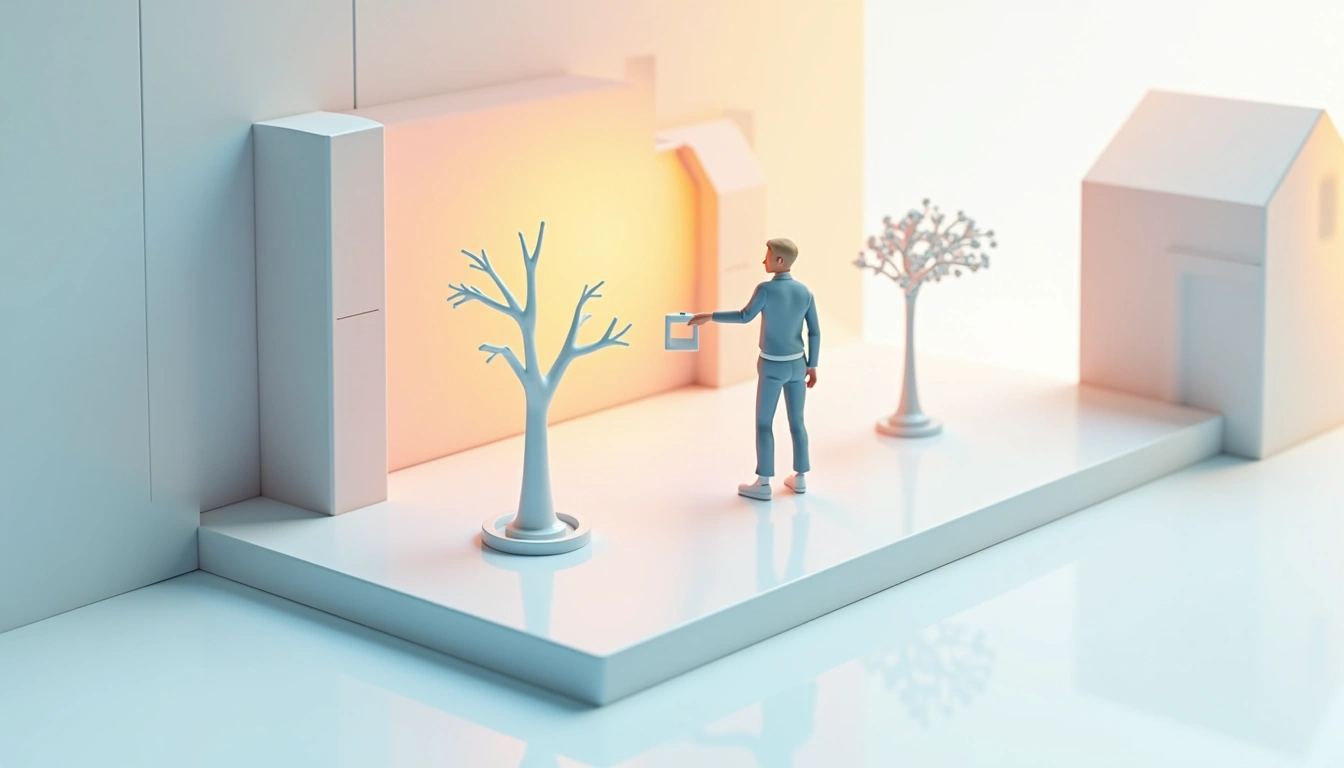 Starter
isometric3D isometric view illustration
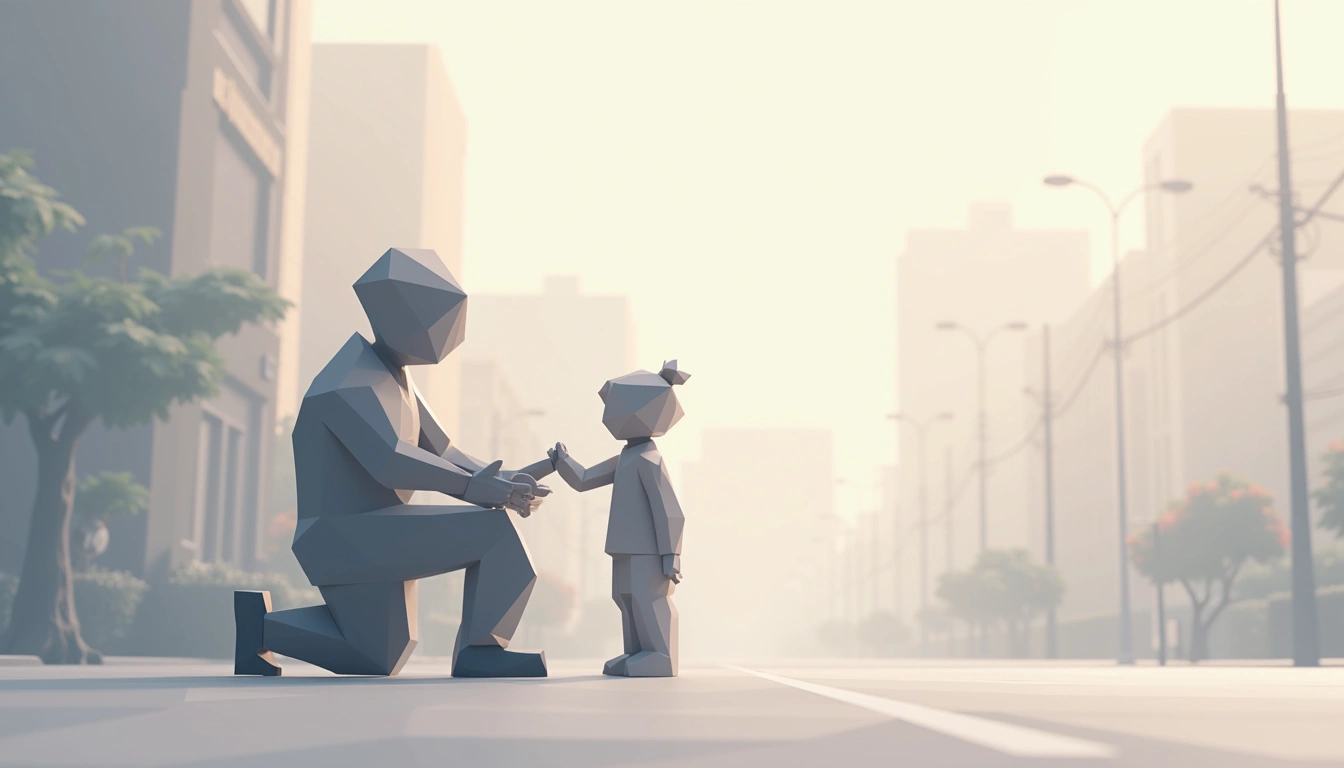 Starter
low-poly-geometricFaceted polygonal illustration with layered geometric shading
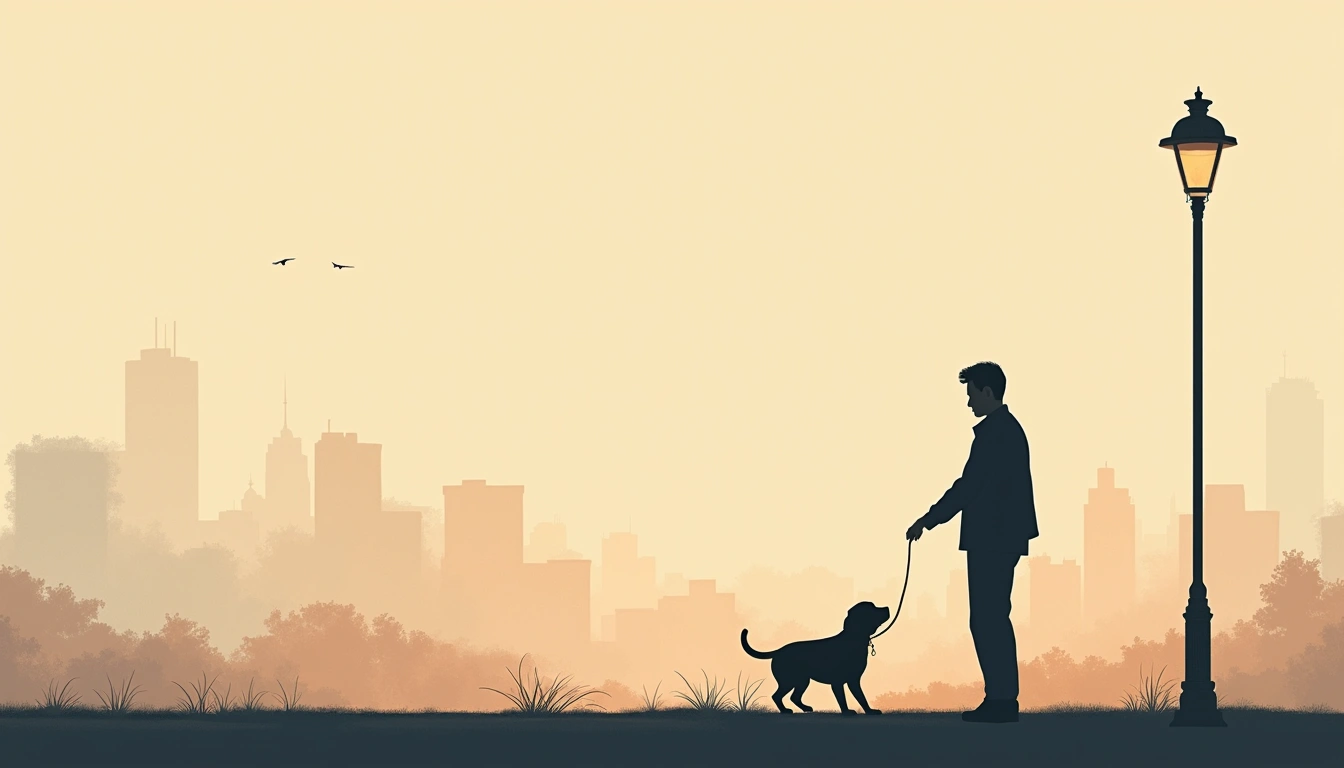
modern-illustrationModern editorial/web illustration with soft grain and clean shapes
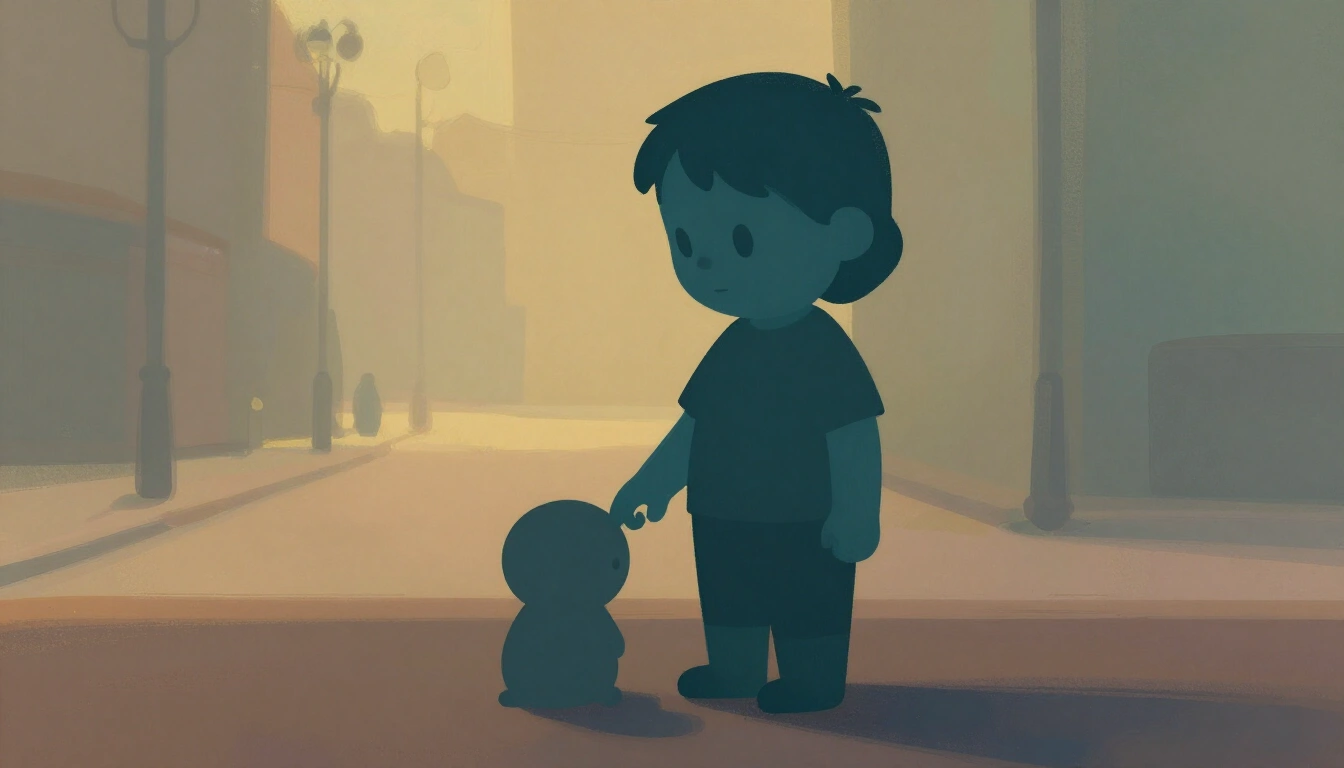 Starter
painted-storybookPainterly digital storybook art. Broad, visible brush strokes and softly broken edges. Simplified rounded forms with minimal outlines. Deep teal shadows, earthy browns, and pale golden highlights. Layered opaque paint with translucent glazes and fine speckling. Strong warm backlight against cool ambient shadow. Hand-painted, cinematic finish.
 Starter
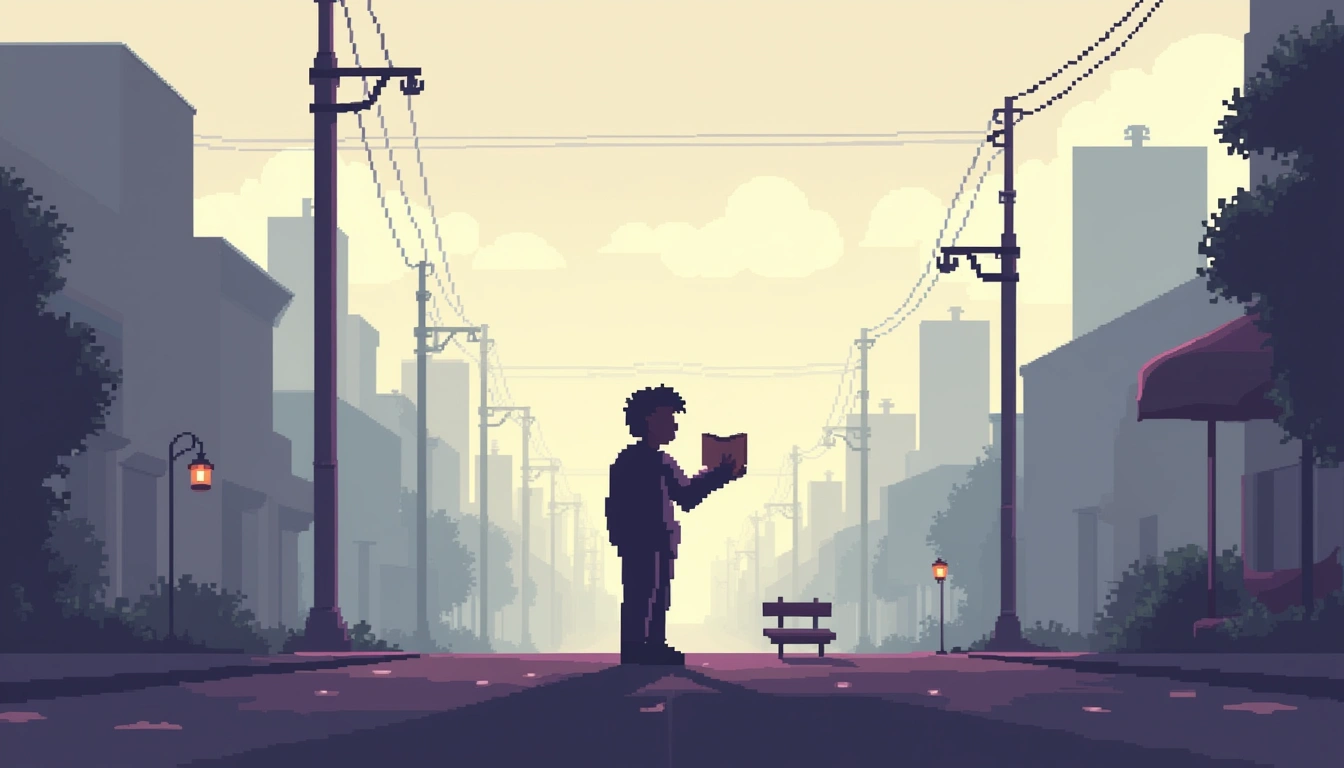
pixel-artRetro pixel art with visible pixels
 Starter
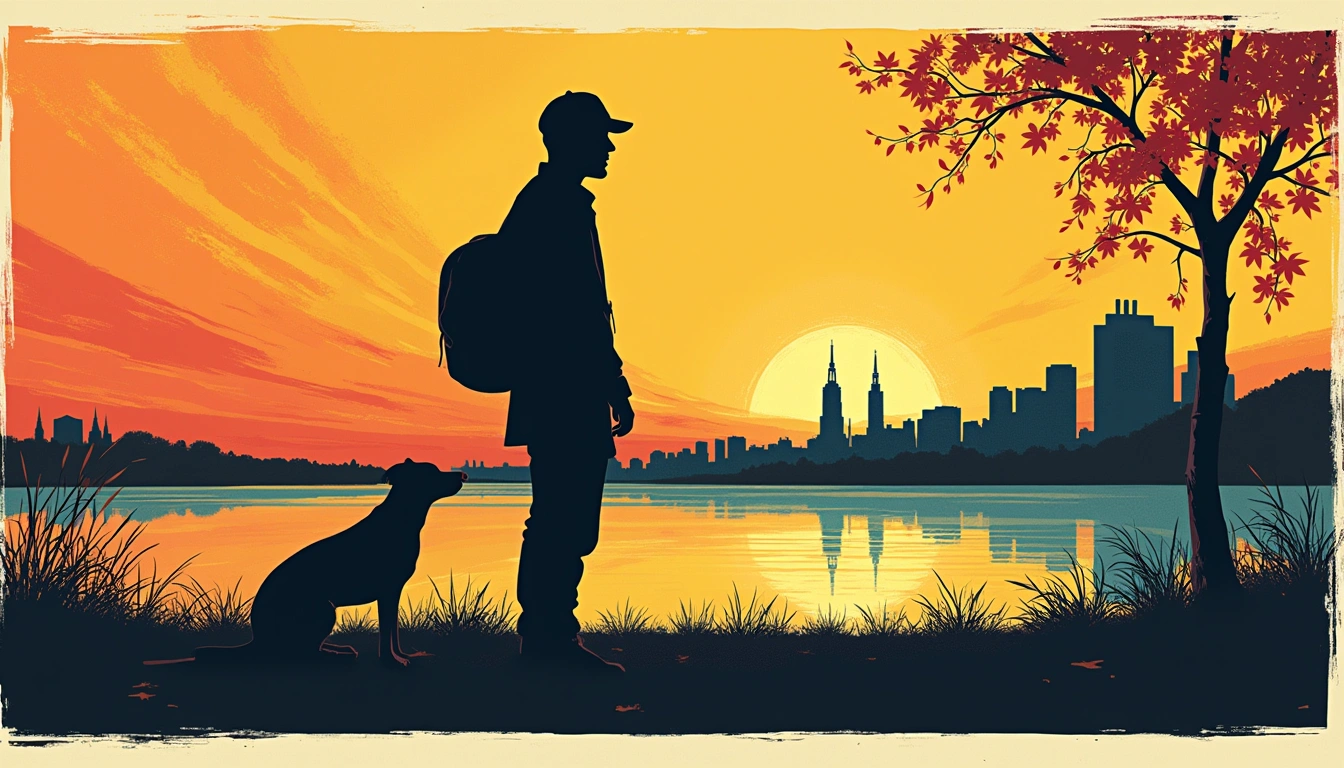
pop-artSilk-screen comic illustration with Ben-Day halftone and bold outlines
 Starter
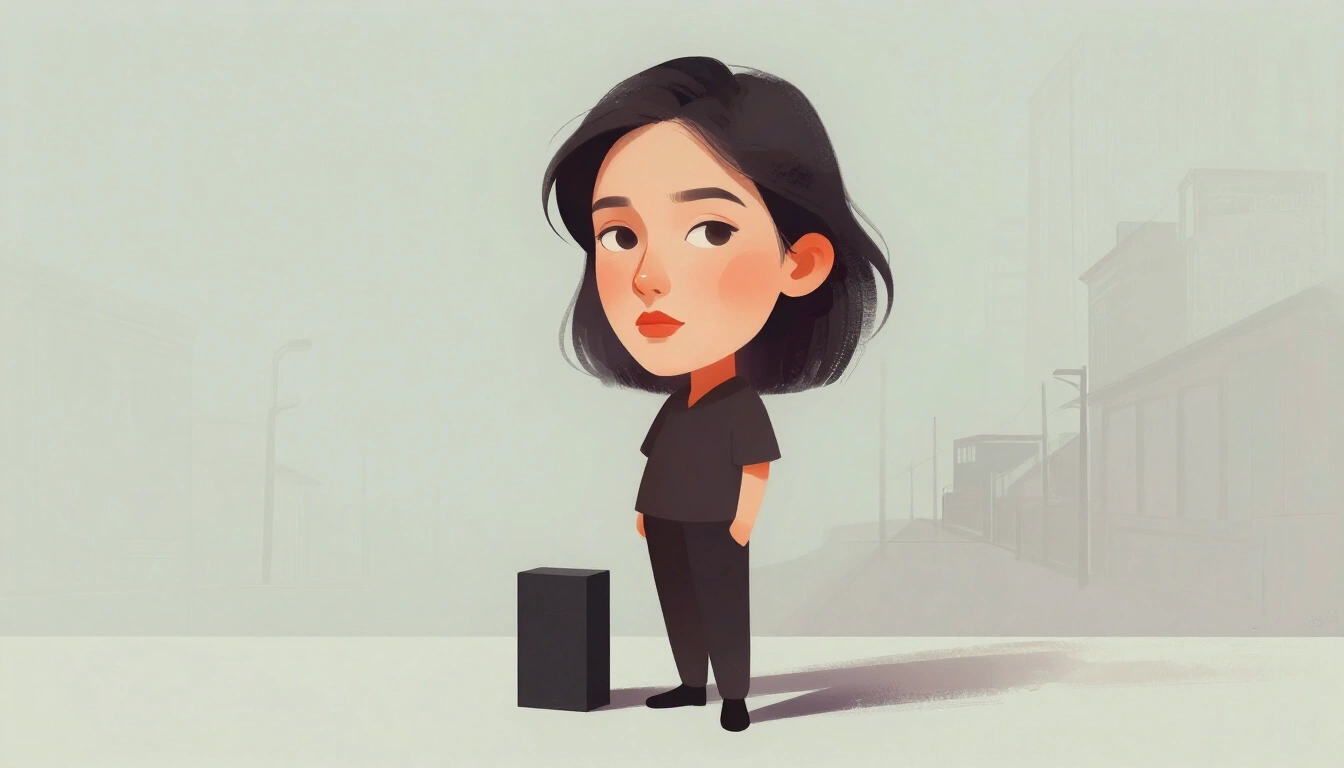
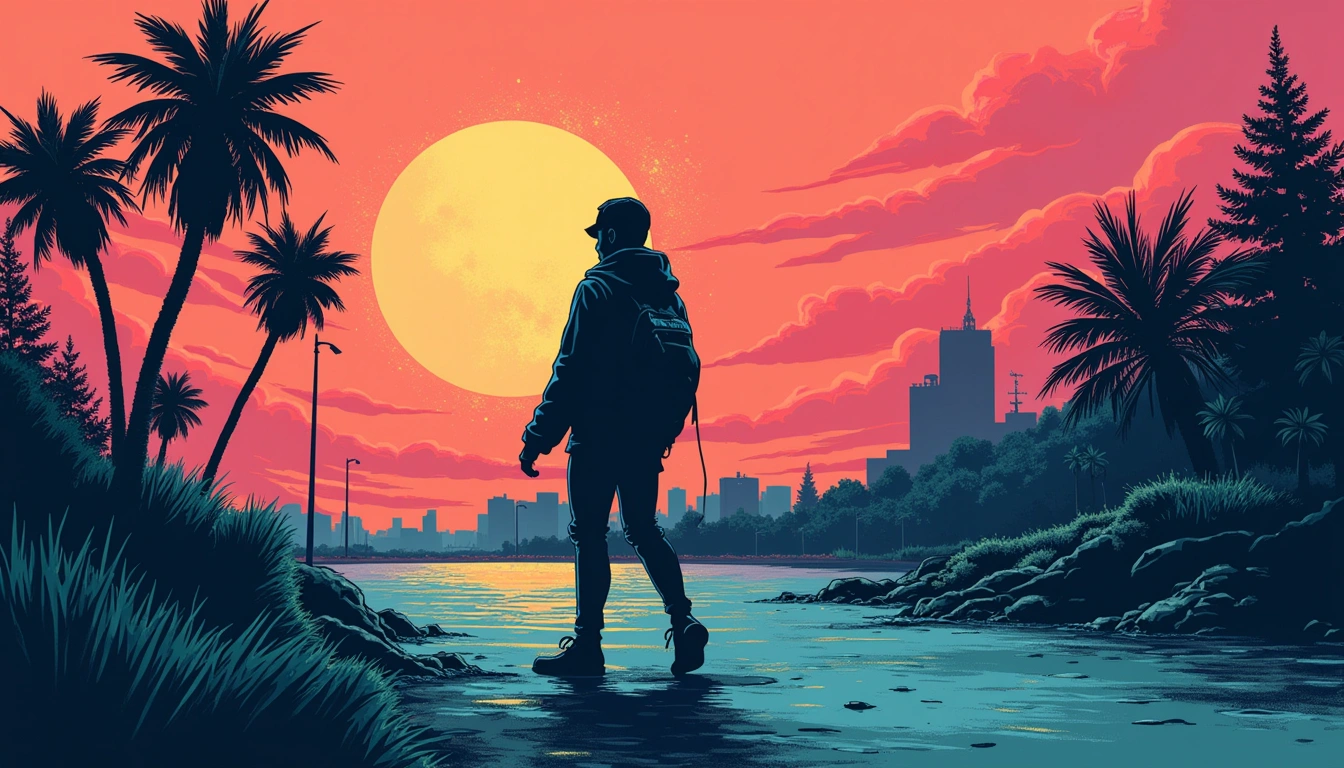
porcelain-portraitPainterly digital illustration with editorial portrait styling. Broad, opaque brush strokes and sharp, angular silhouettes. Smooth facial gradients against rough-edged dark shapes. Porcelain whites, charcoal black, pale sage, and restrained crimson. Subtle canvas grain. Diffuse frontal illumination with deep graphic contrast.
 Starter
pulp-comicPen-and-ink comic art with crosshatch shading and halftone textures
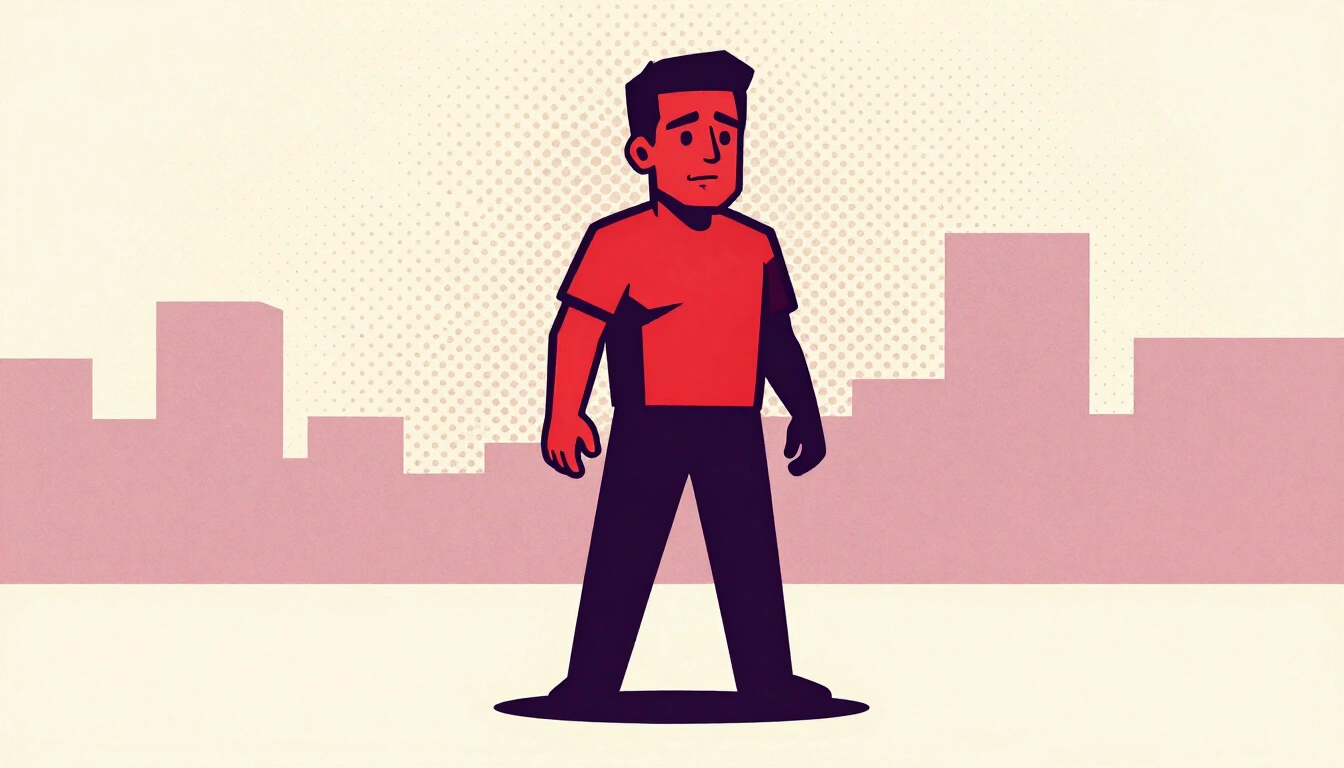 Starter
retro-comic-coverBold pop-art comic illustration. Heavy black contour lines and sharp, angular shapes. Flat, saturated red, peach, purple, and navy fills. Cream halftone dots on solid color. Hard-edged shadow blocks, minimal gradients, crisp print-like finish. Exaggerated graphic contrast.
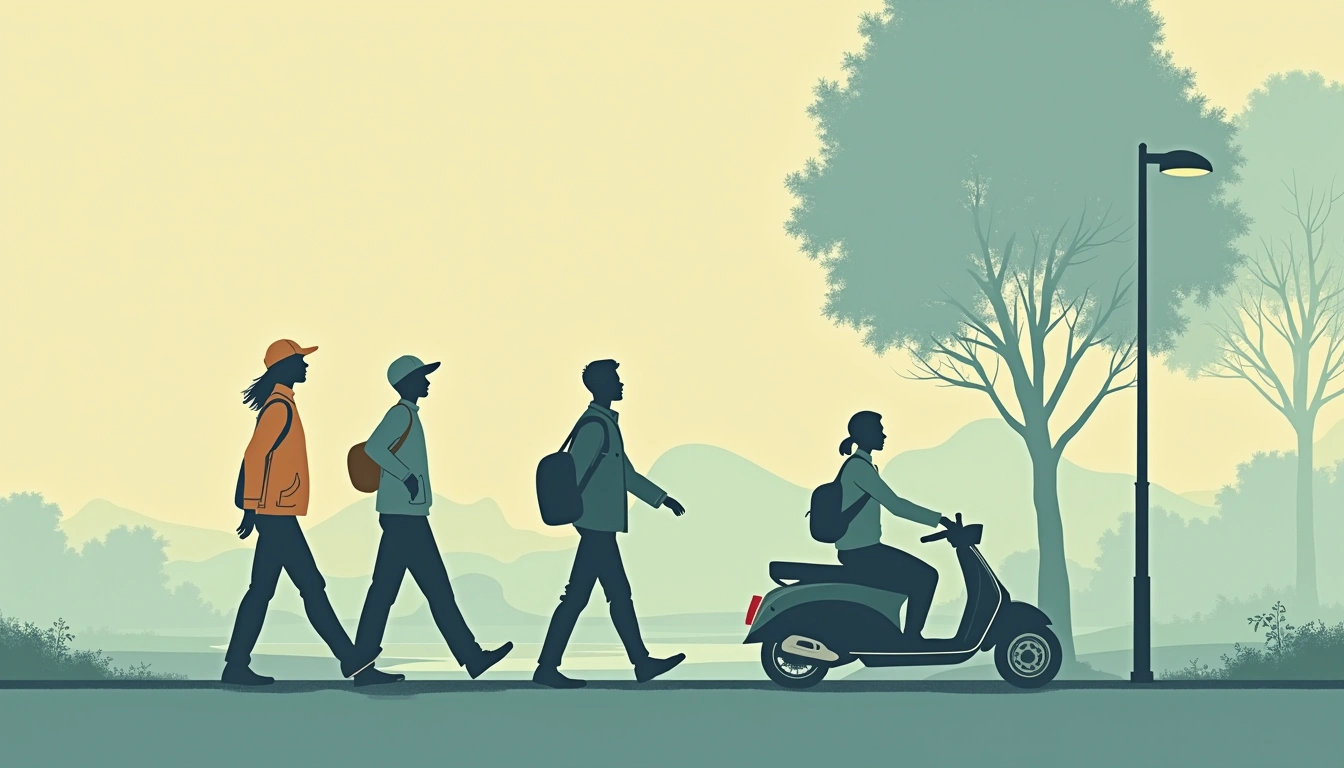 Starter
retro-editorialMid-century flat vector illustration with muted teal-ochre palette
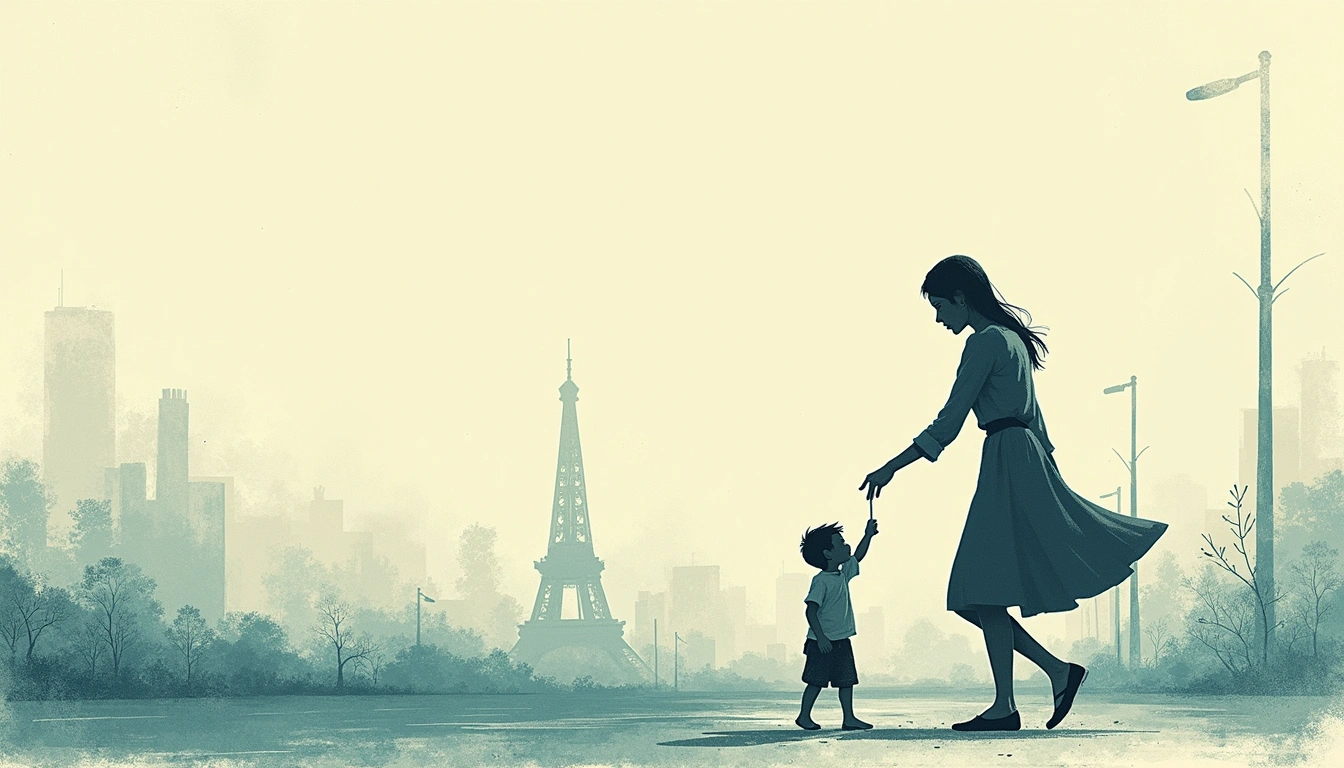 Starter
screen-print-editorialWarm retro editorial illustration. Bold, solid shapes with thick ink outlines. Flat, desaturated palette (sage teal, olive, cream, burnt orange). Textured paper grain and speckled overlays for vintage print feel. Minimal shading; even lighting; mid-century aesthetic.
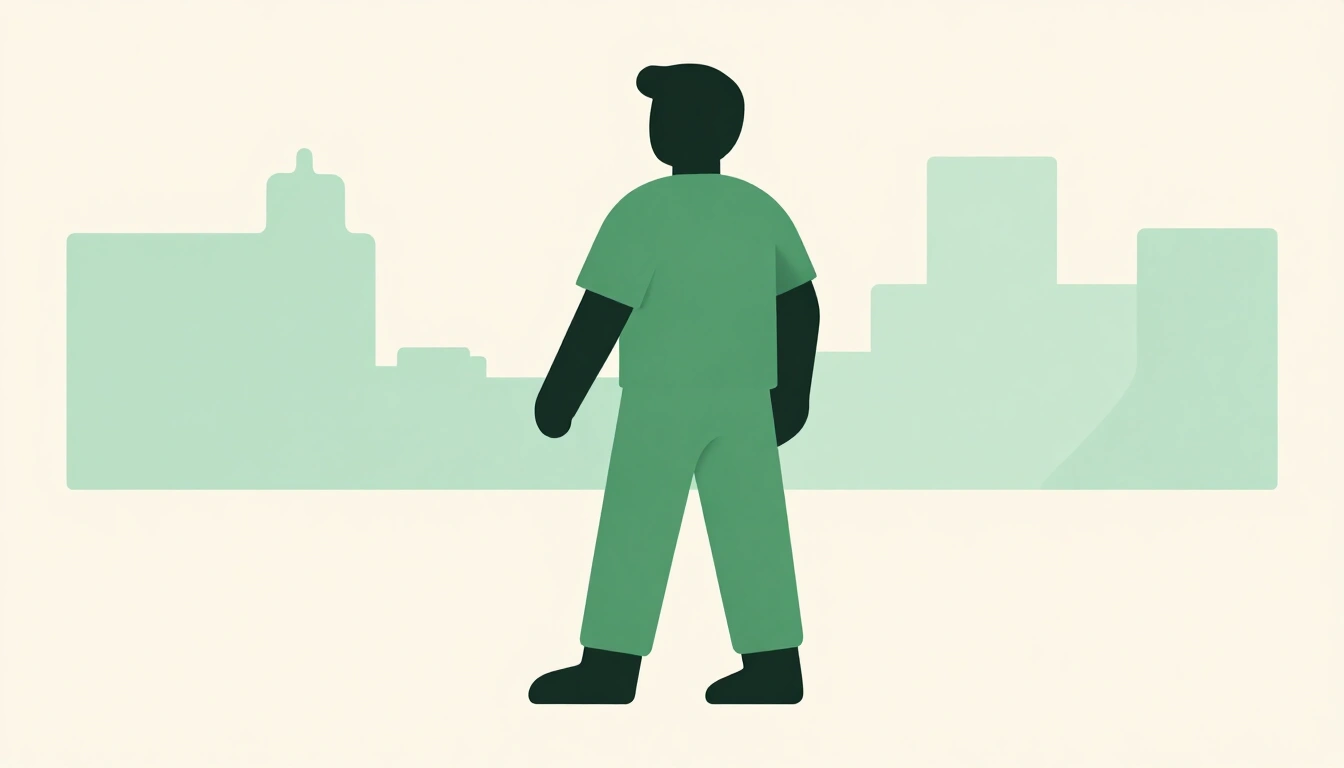 Starter
smooth-flat-vectorFlat vector illustration. Smooth geometric curves and thin, uniform black outlines. Solid color fills without gradients or shading. Sage green, sky blue, dusty pink, and pale yellow against warm off-white. Crisp edges, untextured surfaces, and even lighting. Retro graphic-design aesthetic.
 Starter
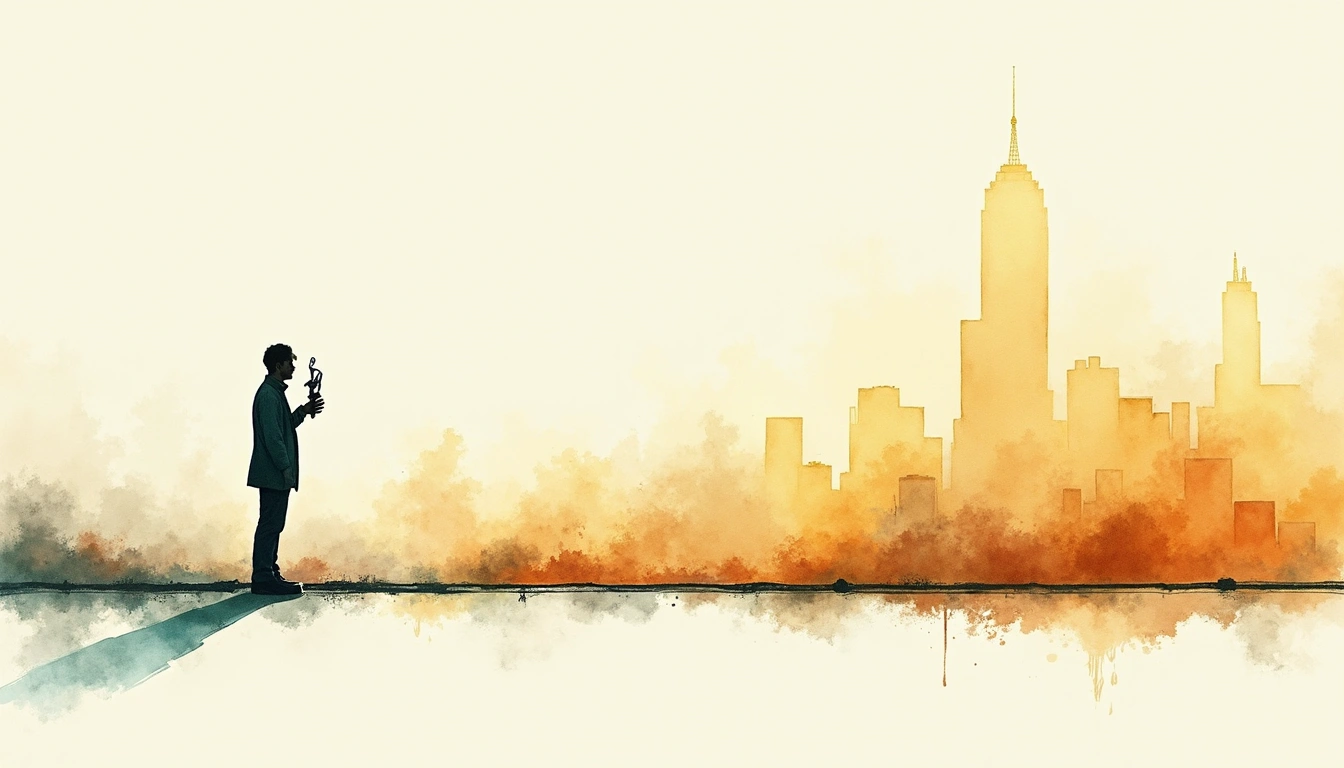
storybook-sketchInk and watercolor editorial illustration with warm ochre palette
 Starter
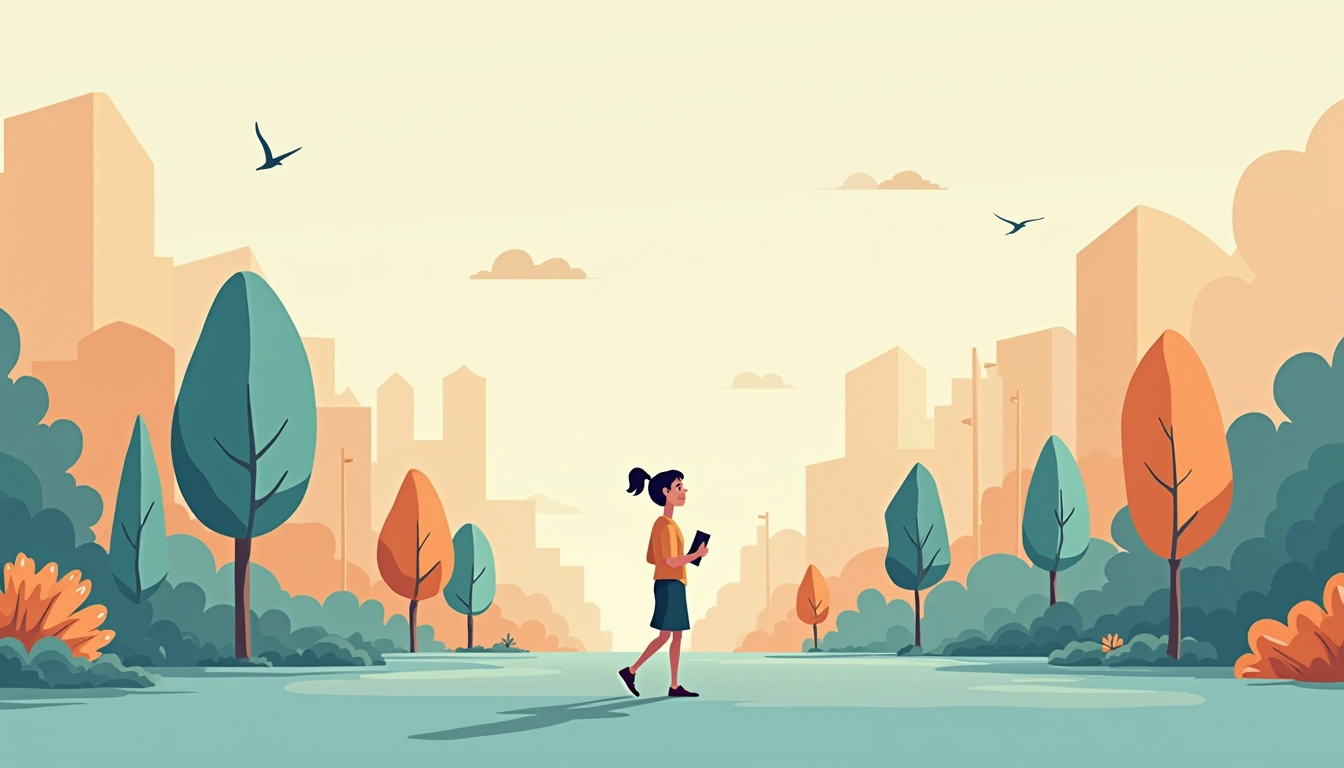
vectorClean flat vector art with geometric shapes and long shadows
 Starter
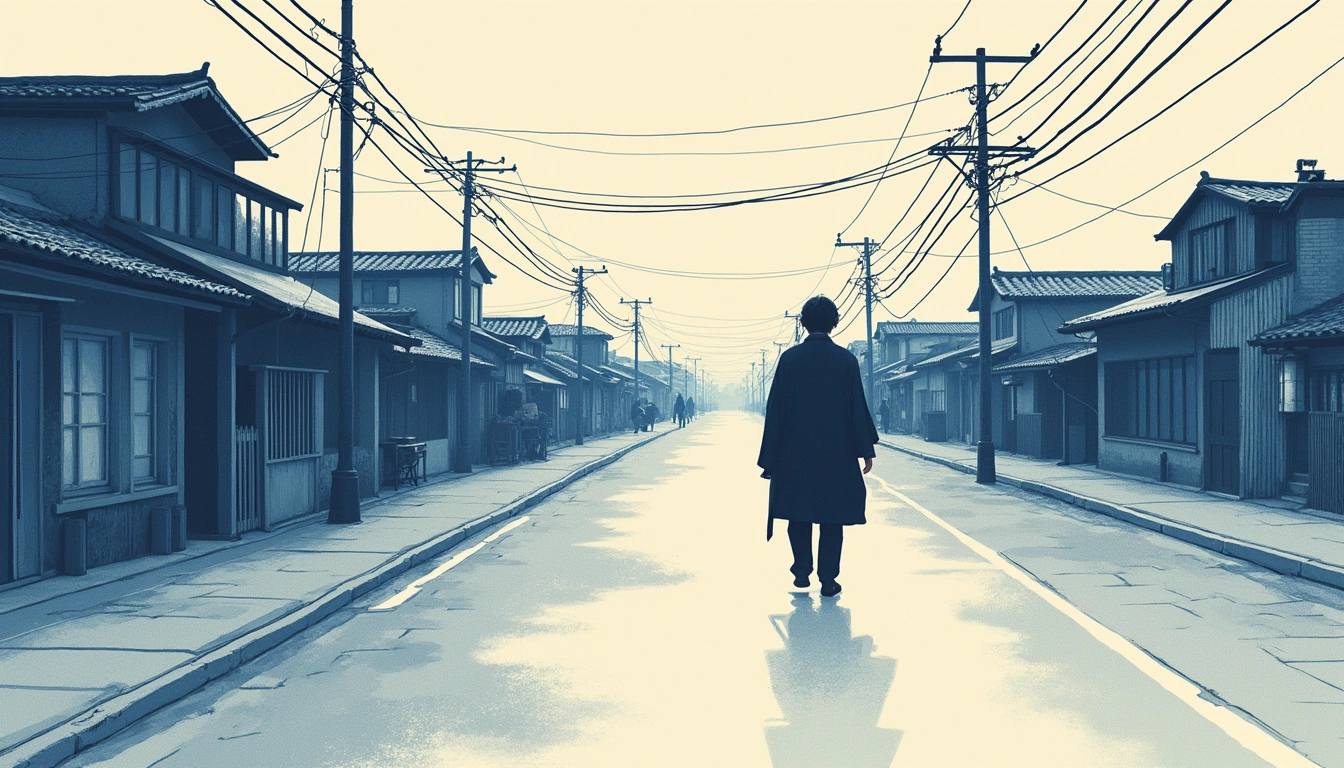
woodblockTraditional ukiyo-e woodblock print with carved linework and indigo palette
Artistic
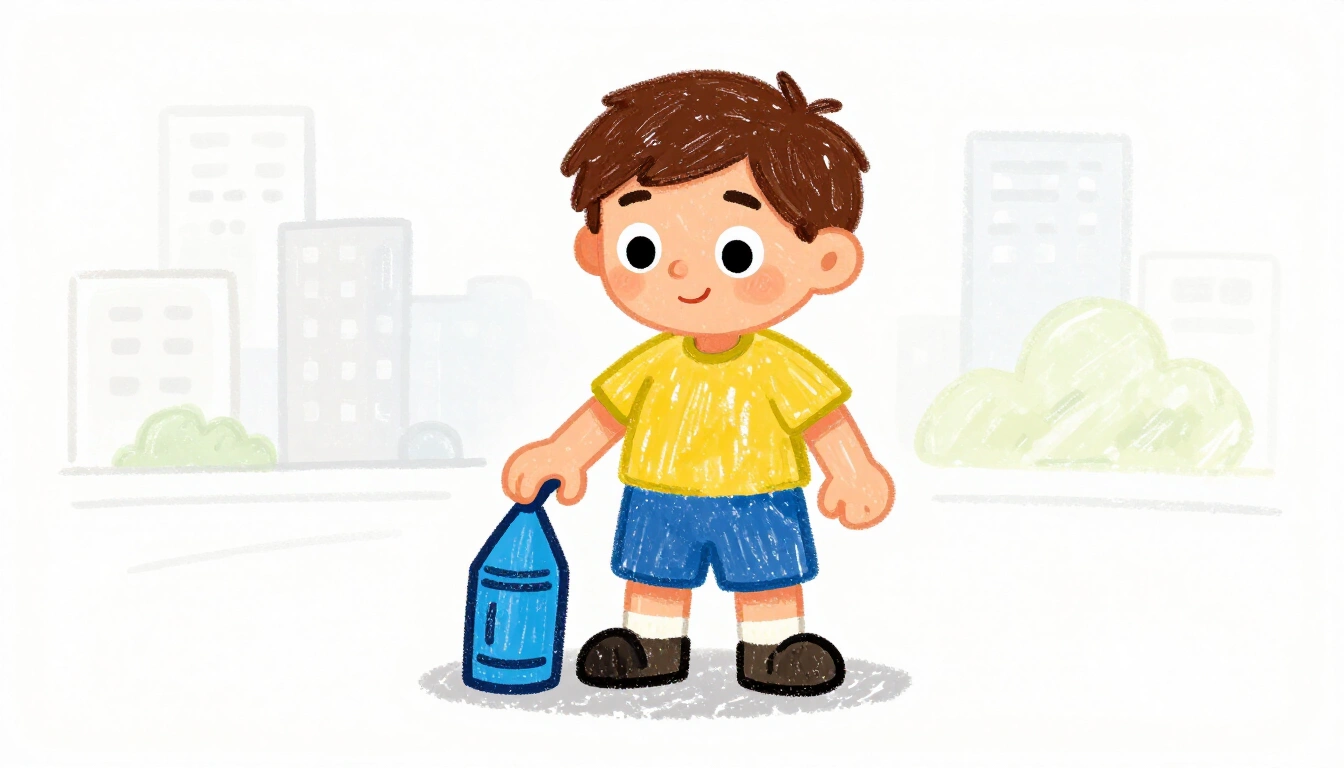
crayonWaxy crayon drawing on paper, bright and hand-drawn
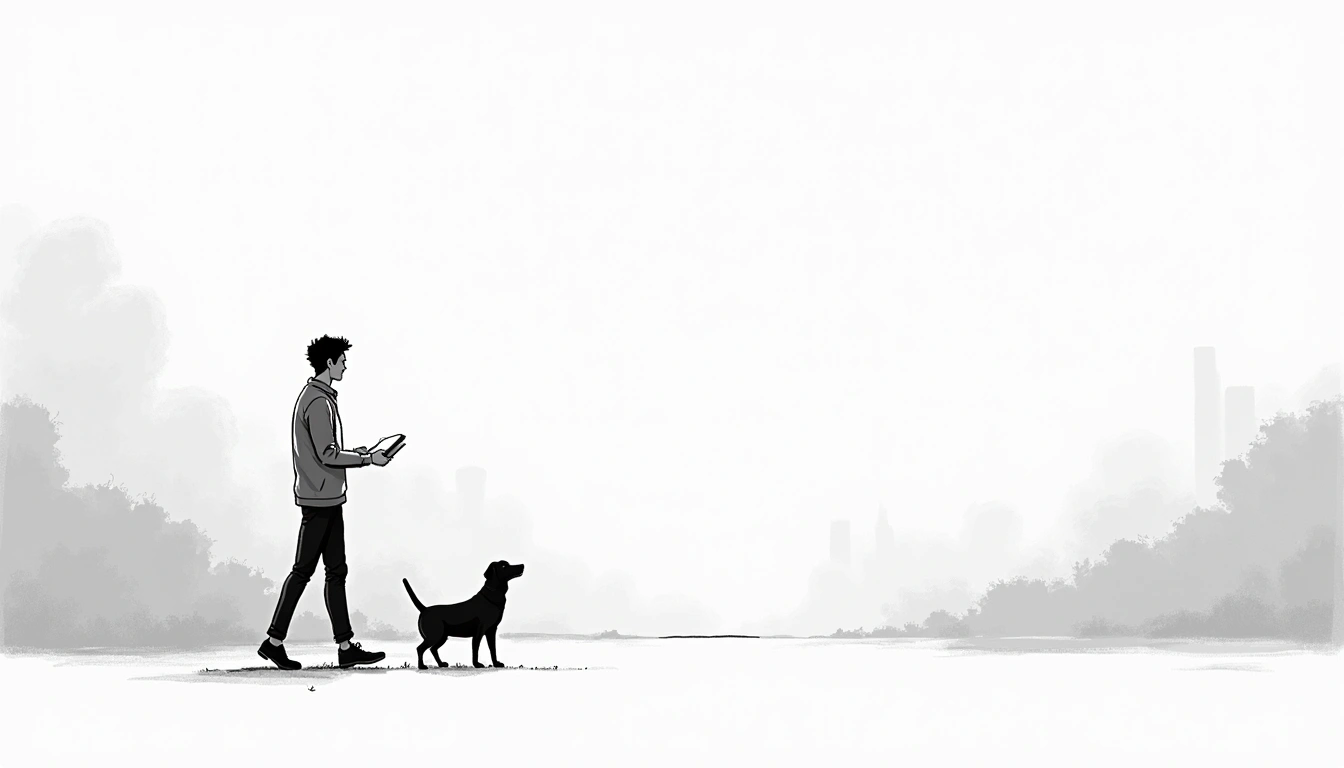 Starter
line-artClean ink line drawing with varying stroke weight
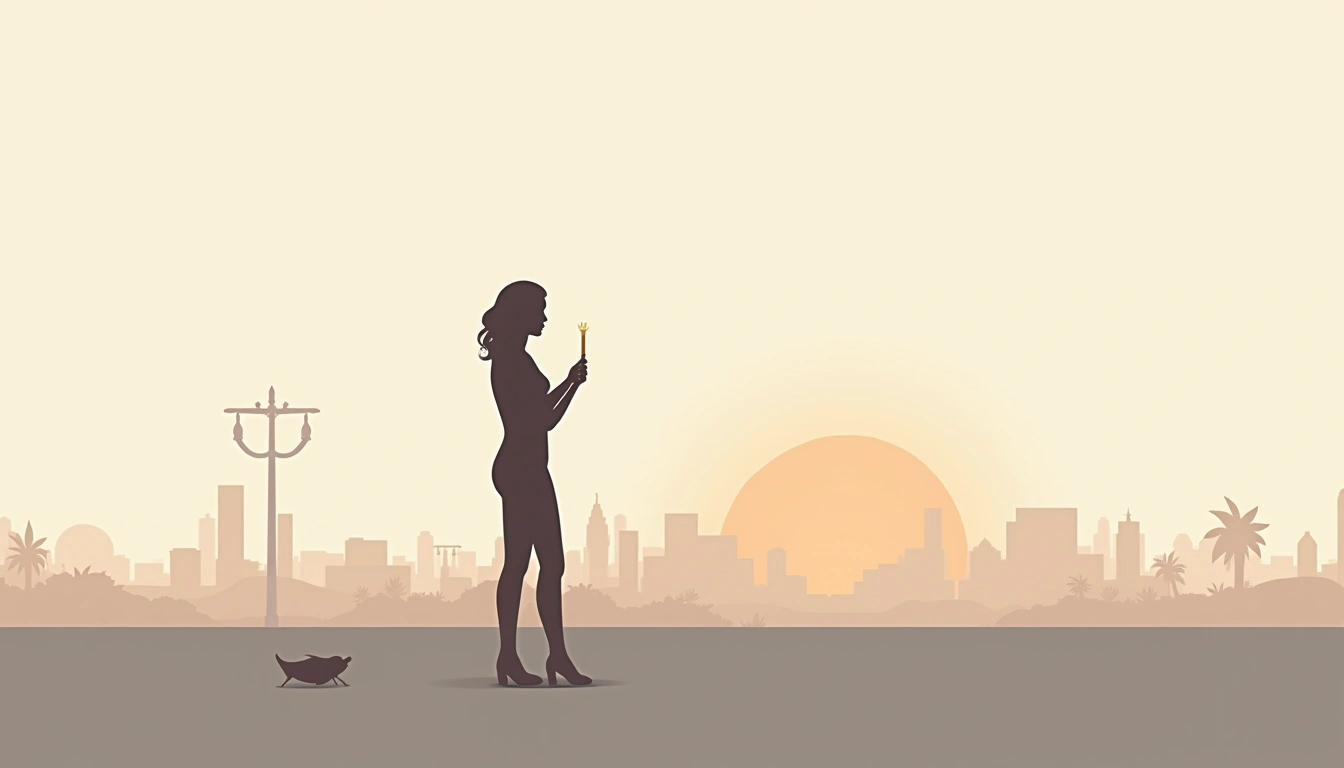 Starter
minimalistClean, minimal design with lots of white space
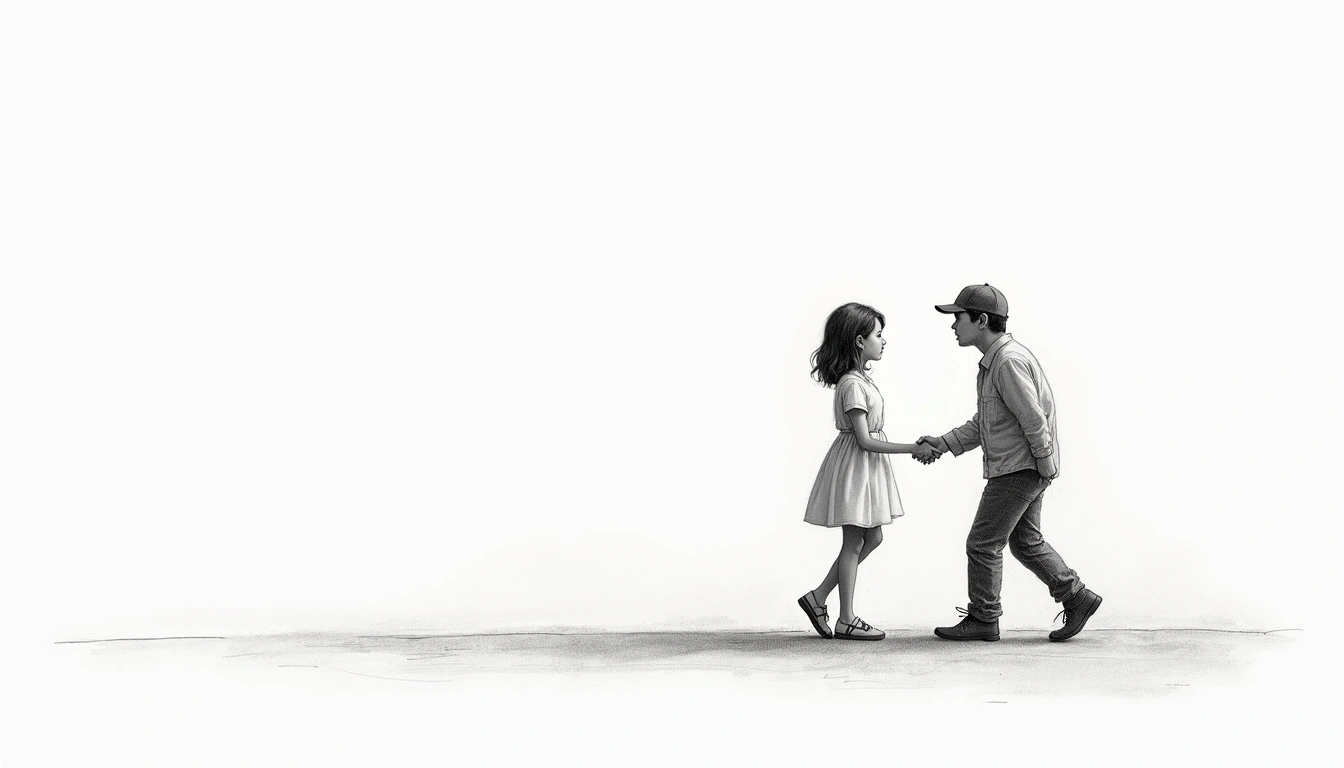 Starter
pencil-sketchHand-drawn pencil sketch on paper
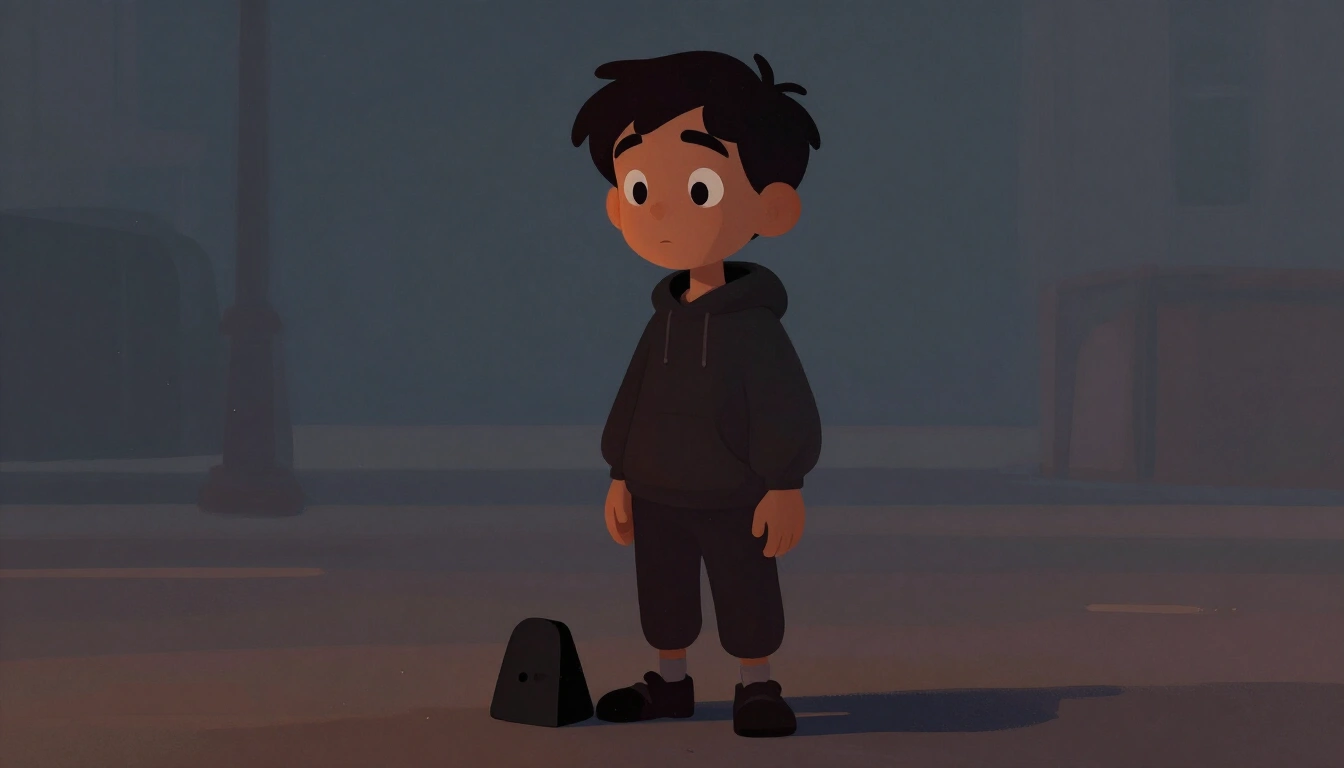 Starter
umber-concept-artCinematic painterly digital illustration. Fine dark contour lines. Softly modeled forms. Expressive facial rendering. Layered visible brushwork. Deep charcoal and burnt umber shadows. Peach-orange highlights. Dusty blue atmospheric recession. Warm practical glow against cool ambient fill. Subtle volumetric haze. Dense, wide compositional layering. Dramatic contemporary storybook aesthetic.
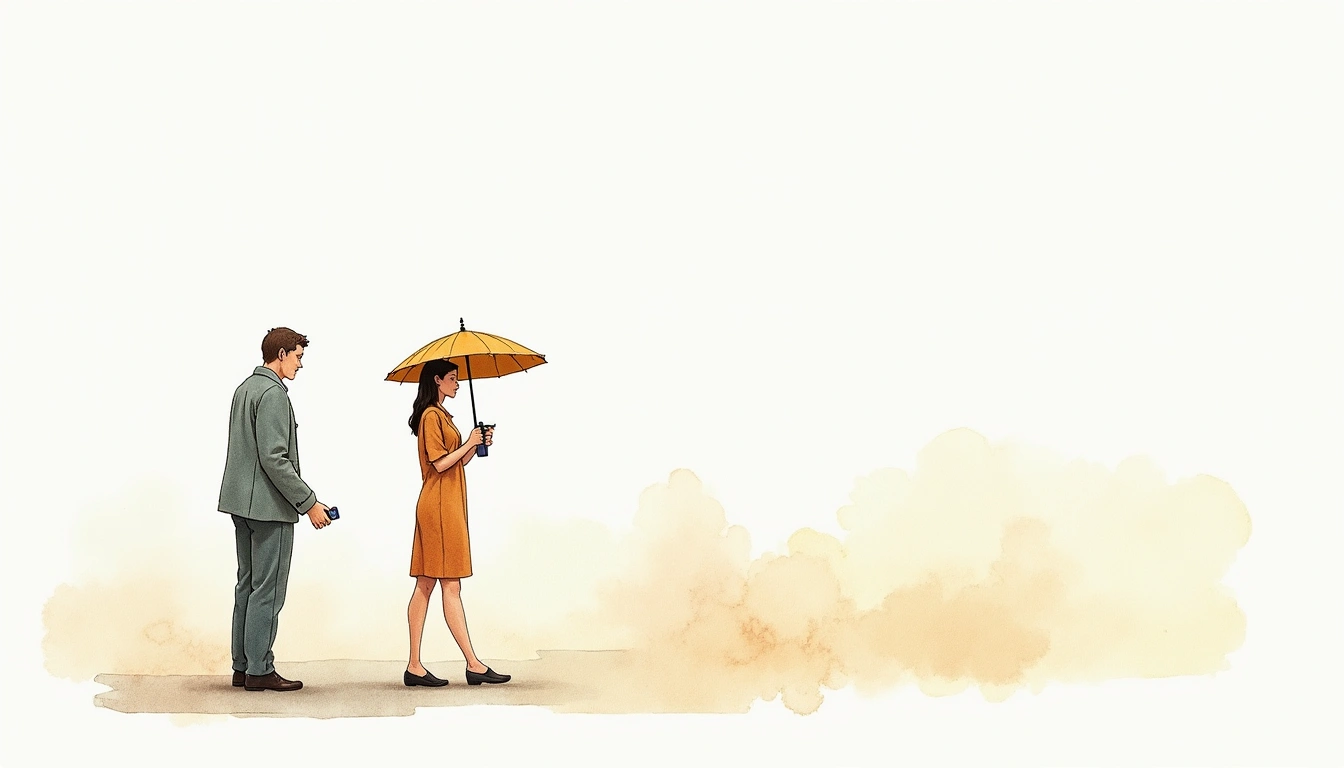
watercolorSoft watercolor painting with gentle washes
Technical
 Starter
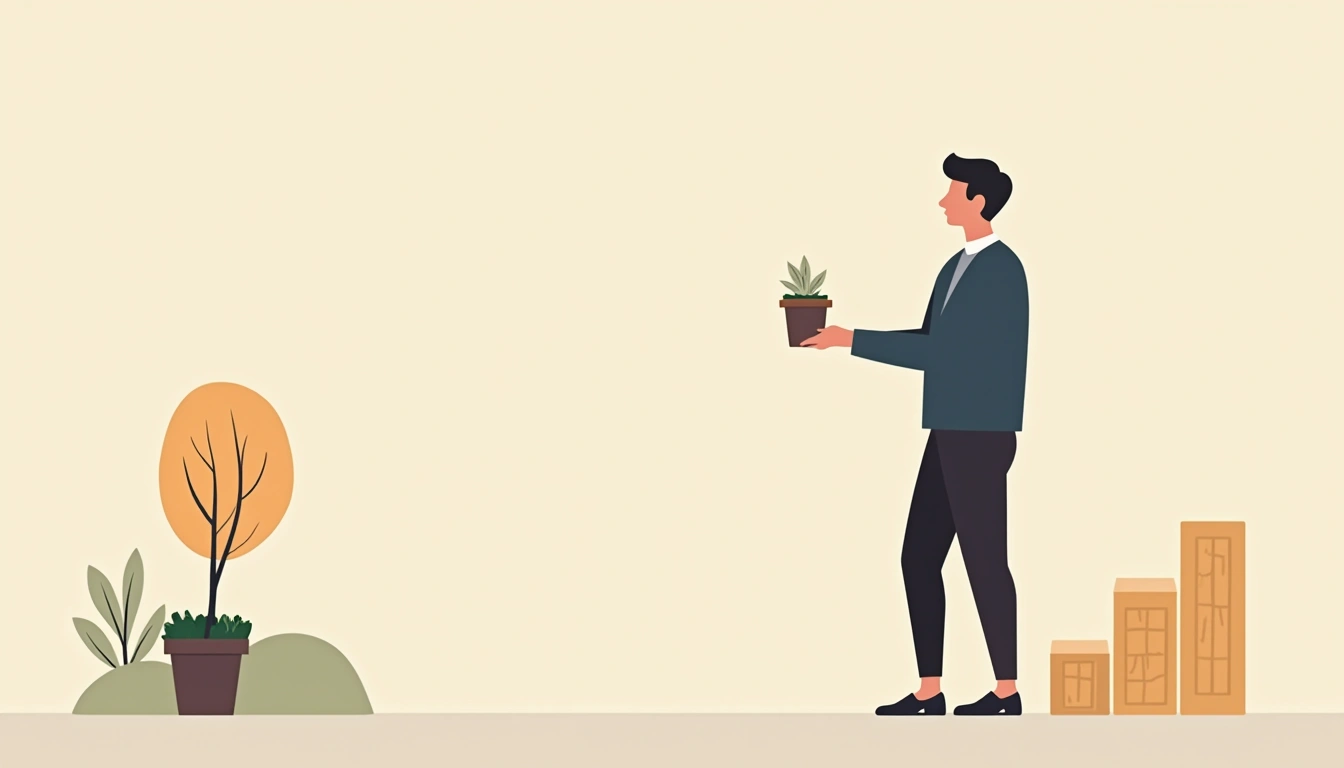
iconClean flat design icons and illustrations
Fantasy
 Starter
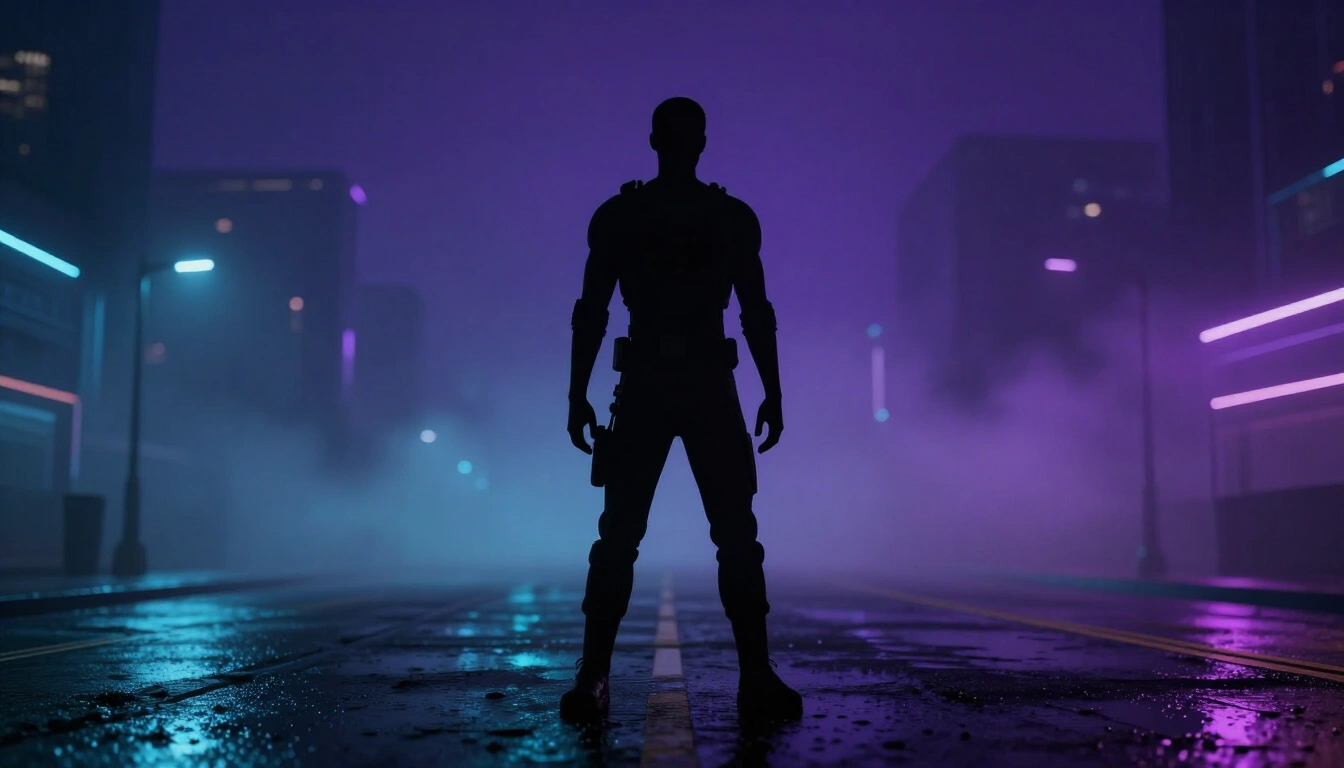
cyberpunkNeon-lit futuristic cyberpunk aesthetic
The samples above are real images from the shared library, so they change as the library grows. To get this same list in code, call GET /api/v1/styles, which also includes any custom styles you have made.
The dashboard
Everything you make, and everything you need to make it, is at pixloom.dev/dashboard.
| Page | What it is for |
|---|---|
| Playground | Try a prompt and a style before you put it anywhere. |
| Styles | The presets, with a sample of each. |
| Characters | Add a person, mascot, creature or object once, then keep it consistent across images. |
| Library | The shared library at pixloom.dev/library. Signed in, you can heart images, collect them on a board and save one as a permalink. Dashboard in its header brings you back. |
| Images | Every image you have generated. Download, pin the keepers, or try another take. |
| Images, Permalinks | Give an image a fixed name and URL. Swap what it shows later without touching your page. |
| Settings, Integration | Create and revoke API keys. This is where the quick start sends you. |
Permalinks, in one breath
A permalink is a name, like hero-dog, that points at whichever image you choose. Put data-pixloom-permalink="hero-dog" on an image tag, and when you pick a new favorite in the dashboard, every page shows it. No deploy, no cache to clear. Each permalink's page opens with what its URL shows right now. Permalinks has the rules.
Characters, in one breath
Beta
Faces stay reliable across scenes. Matching a character to a heavily stylized look is still improving, so a character in a bold style may sit closer to its own photos than the rest of the image does.
A character starts from pictures of it. You have three ways in:
- Photos. Up to four: a clear front view, an angle, a full body, and one in different light. Skip sunglasses, hats and group shots.
- A spec sheet. One image with two to four shots of the same character. We cut it into references and suggest a name.
- One photo. Upload it and we offer to turn it into a sheet of four reference shots, free, in about 30 seconds. You review the shots before they replace the photo, or keep the one photo.
Then choose how it looks across styles:
- Adapt to the style. Redrawn to fit whichever style you pick, including your own: photographic in a photo style, anime in an anime style, flat and simple in a minimal one.
- Keep one look. The same in every scene, and only the surroundings take on the style. Keep the look from your photos (best for mascots and brand characters), or pick a family like cartoon or anime.
You can change this later on the character's edit page. The first image in a new look takes a little longer, and every later one is quicker. Drawn characters hold up well in realistic scenes. A photographic character in a cartoon scene may still pick up some of the drawn look.
Put a character in an image with its id: character on generate, or data-pixloom-character on an embed.